Login and SSO
Last updated: November 23, 2024
How to sign up and log in with Vouch
Vouch provides several methods of signup and login for users: Single-Sign-On (SSO) using Google, LinkedIn, or Github accounts, or by email and magic link.
Log in with email and magic link
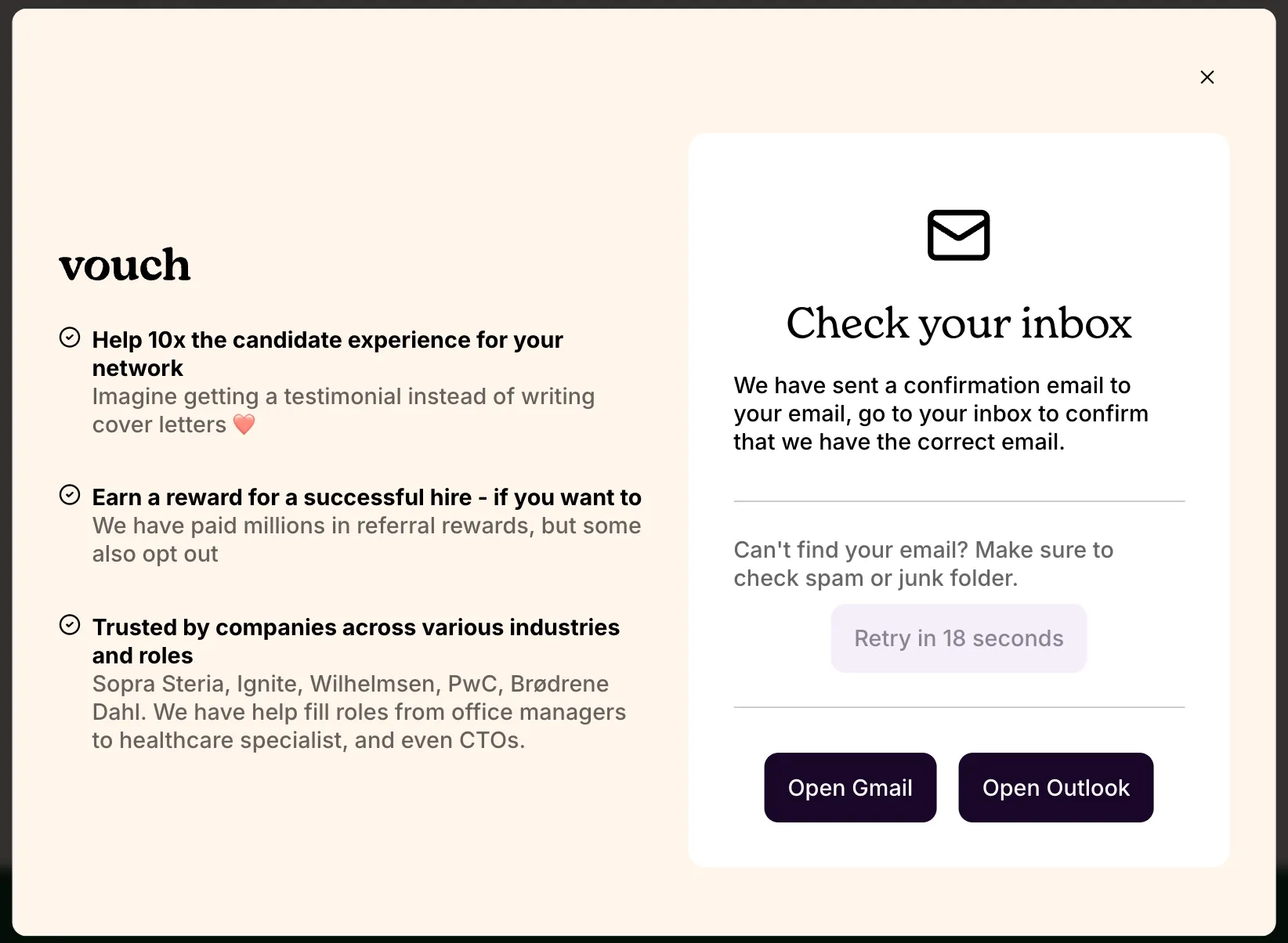
Enter your email and we will send a magic link to you to log in to your account. If you don't see the email within 5 minutes remember to check your spam folder and mark sender as not spam. If you still don't receive the magic link, you can try to log in with another method (this works if you have also authorized using another service) or reach out to our support team.
Log in with SSO (not provisioned)
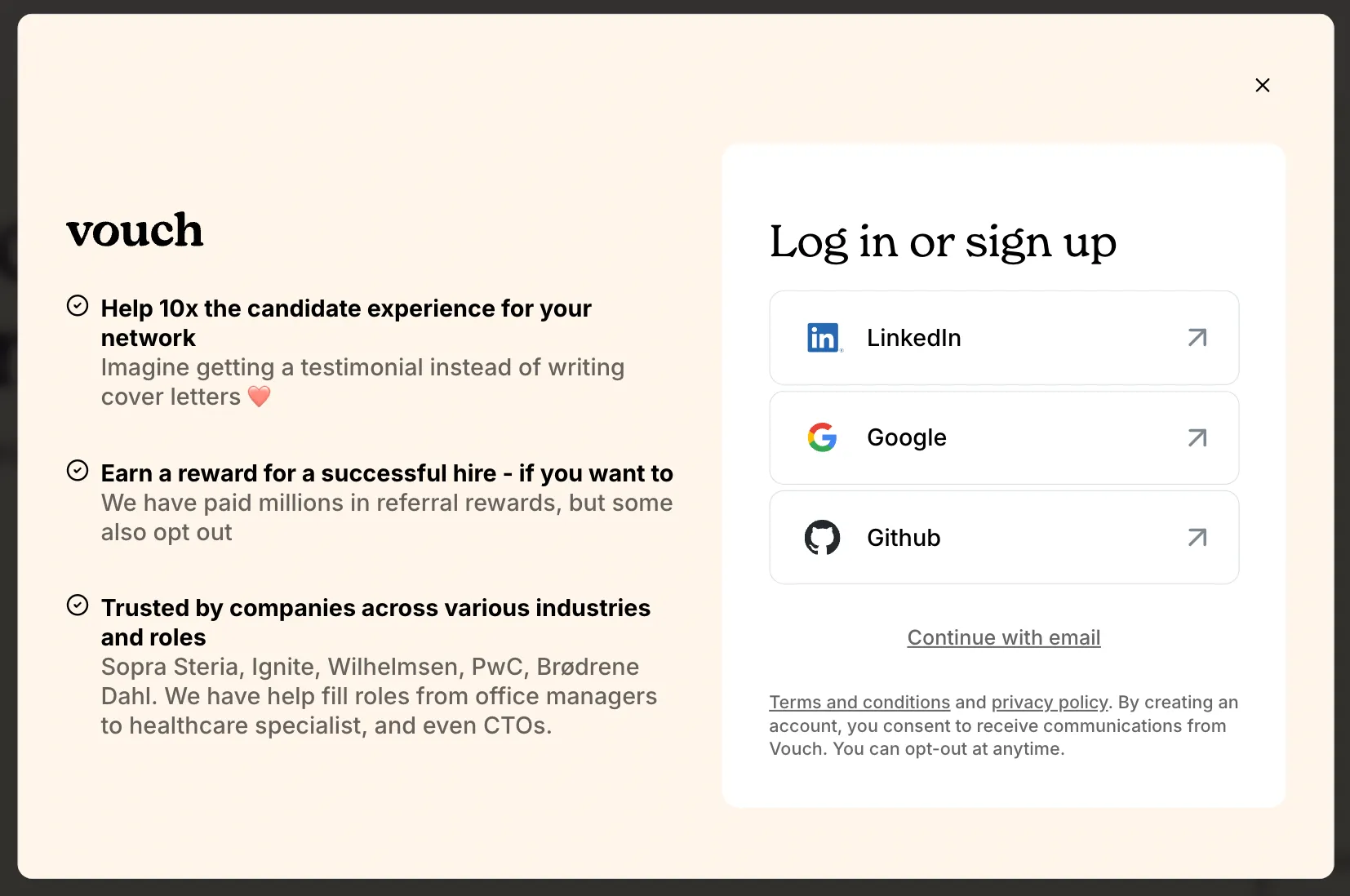
Alternatively, you have the option to sign up and log in using Google, LinkedIn or Github authorization. For each, click the link and follow the instructions to authorize your account login. If you originally signed up with magic link, you always have the option to connect one of your other accounts for authorization at a later time.
Login with SSO (provisioned)
Vouch currently does not provide provisioned SSO for company or user accounts.