Creating your first job listing
Last updated: November 22, 2024
How to create your first job listing
We've made writing your next job description as simple and delightful as a sunny day.
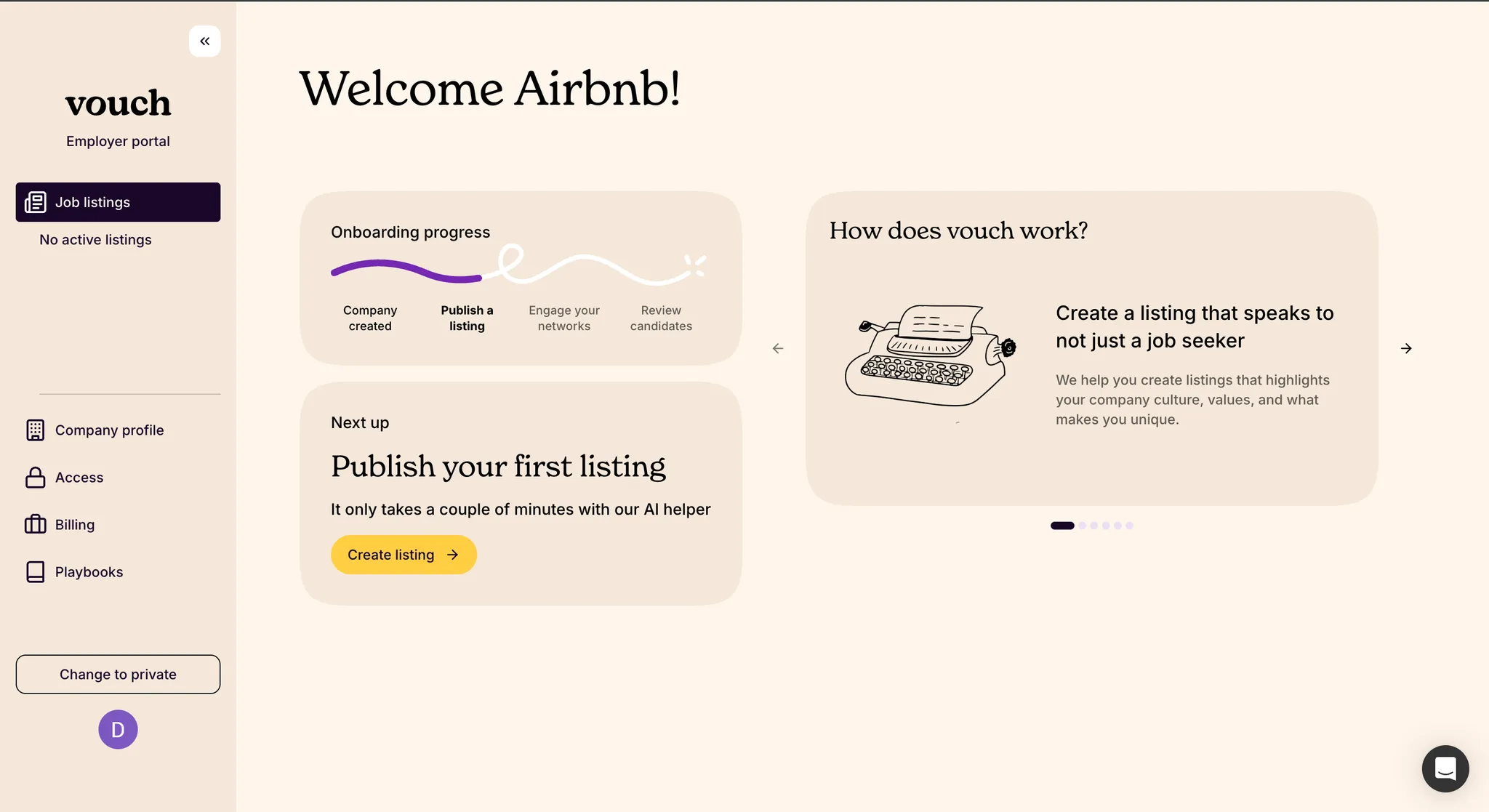
Creating a job listing with Vouch is as easy as creating your company profile. We've tried to make the process as simple and automated as possible, to save you time for what matters most - engaging your referral networks to attract the very best talent!
Options when creating a job listing
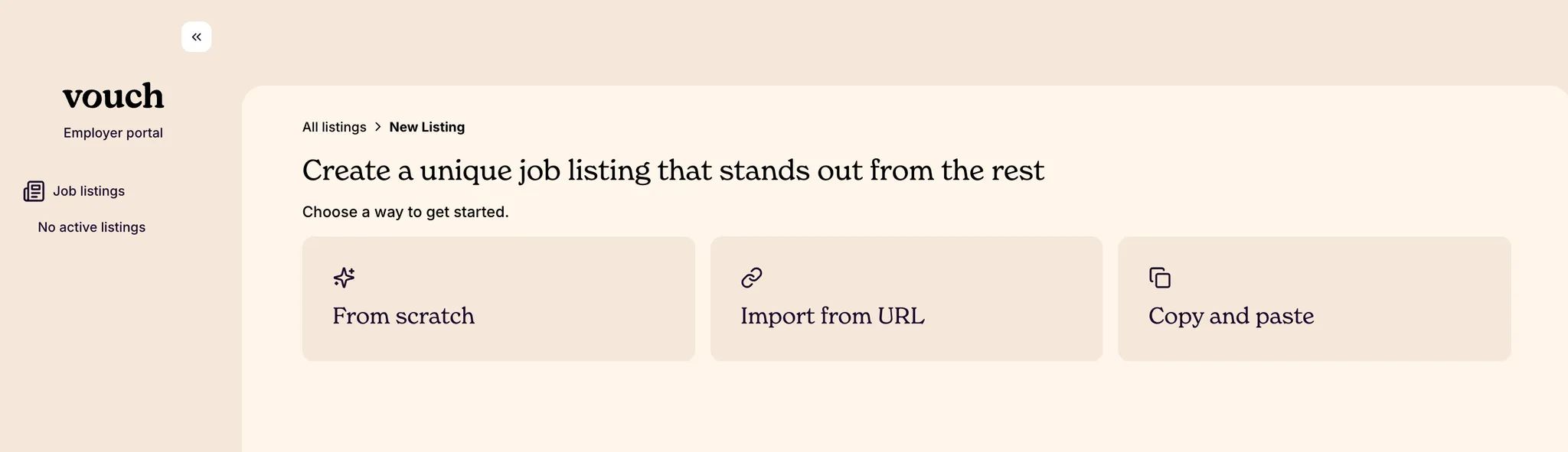
Once your company profile is created, there are several ways to create job listings: from scratch, importing from a URL, or by directly copy and pasting content in Vouch.
Create a job listing from scratch using AI
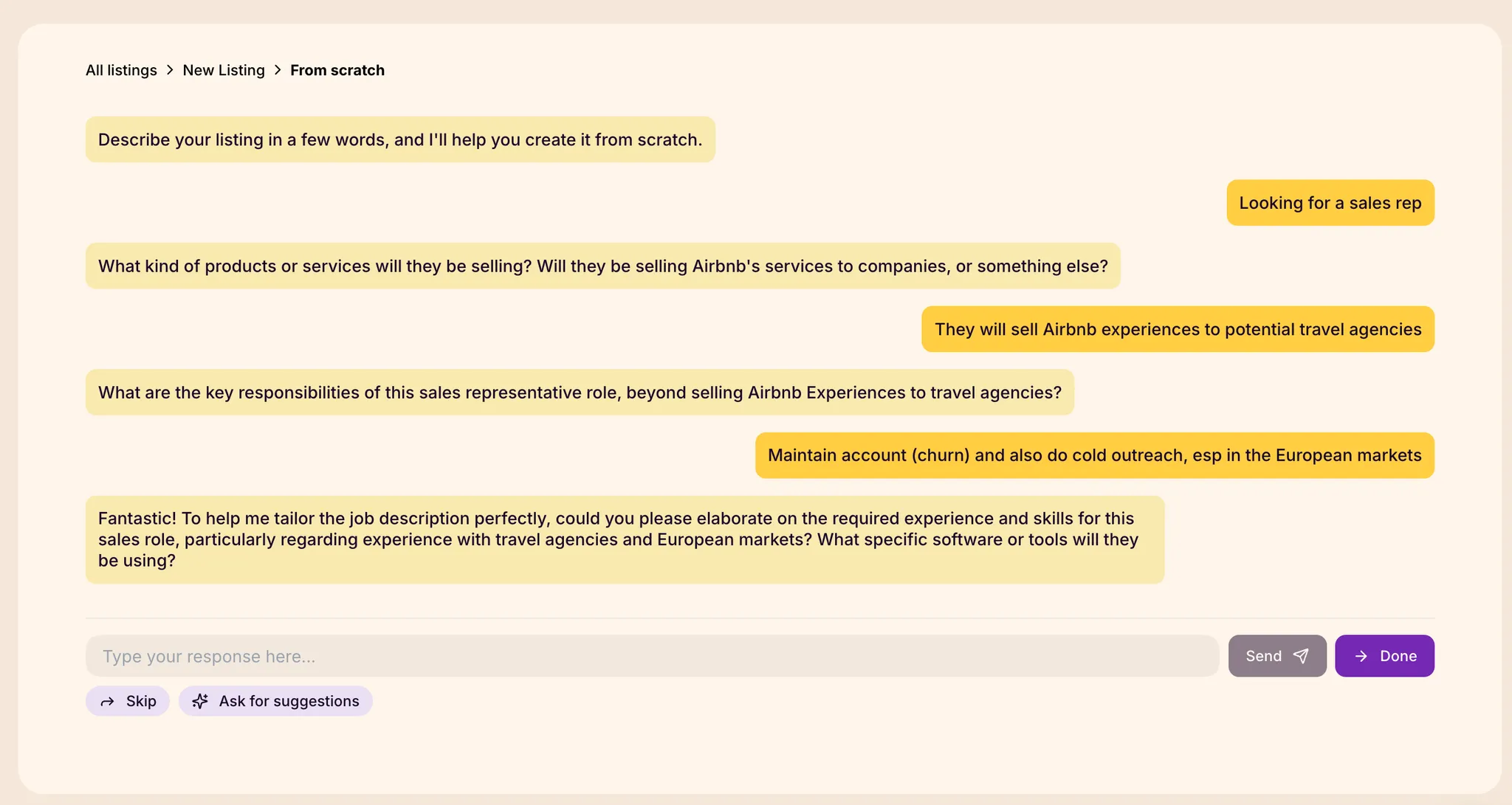
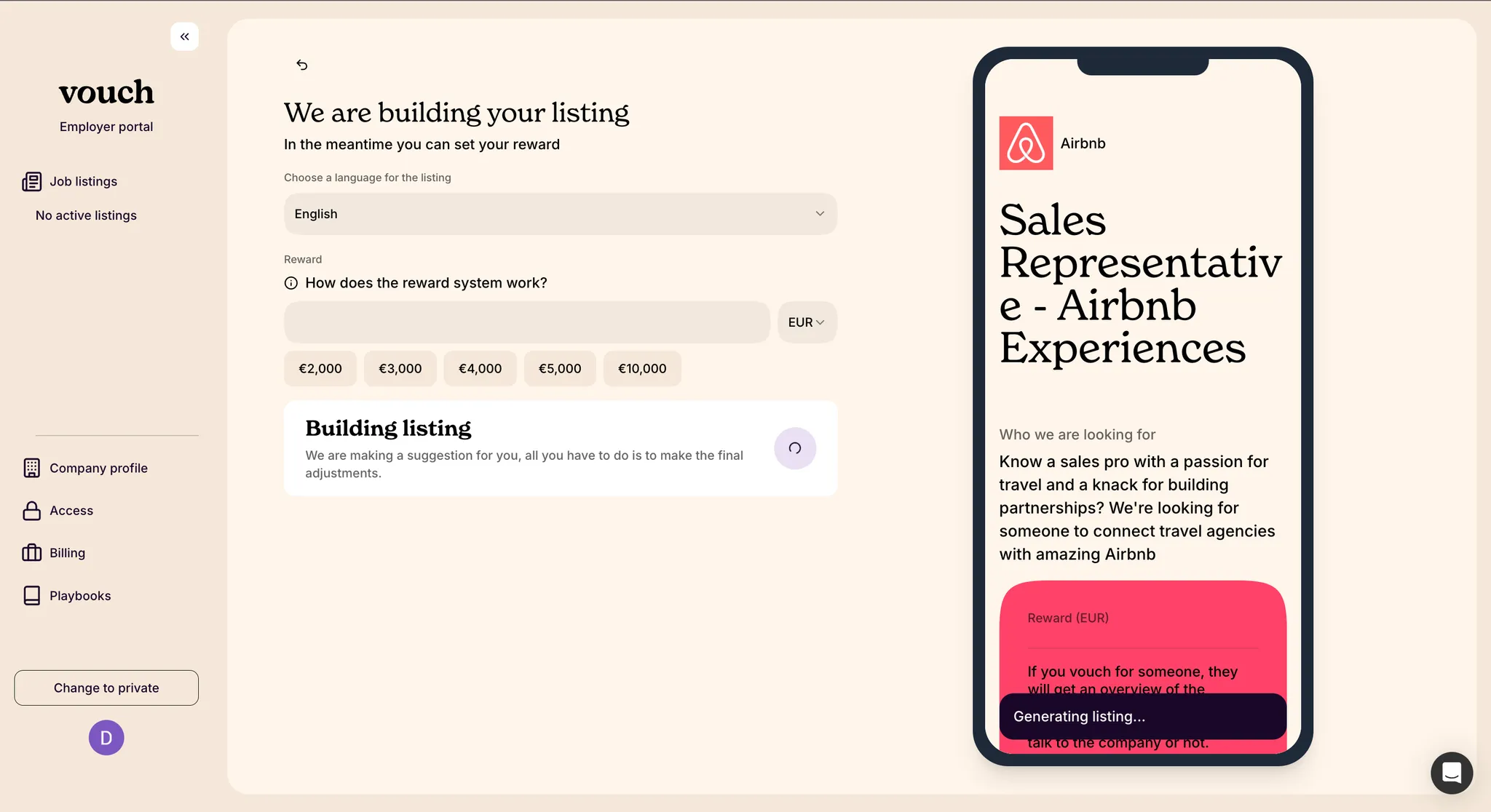
When creating a job listing from scratch, you will be presented with our AI job builder tool. Answer a few simple questions about the role you are hiring for and, using our database of thousands of high-quality job listings and AI, Vouch will generate a draft of your listing automatically. We encourage that you answer any additional questions that can help improve the initial output of the AI generated job listing content.
Import an existing job listing
Vouch also lets you to easily import existing job listings via URL or by copying and pasting content directly into our job listing builder. With both import methods, you will be able to watch the progress and preview the results of the imported content.
Editing your job listing
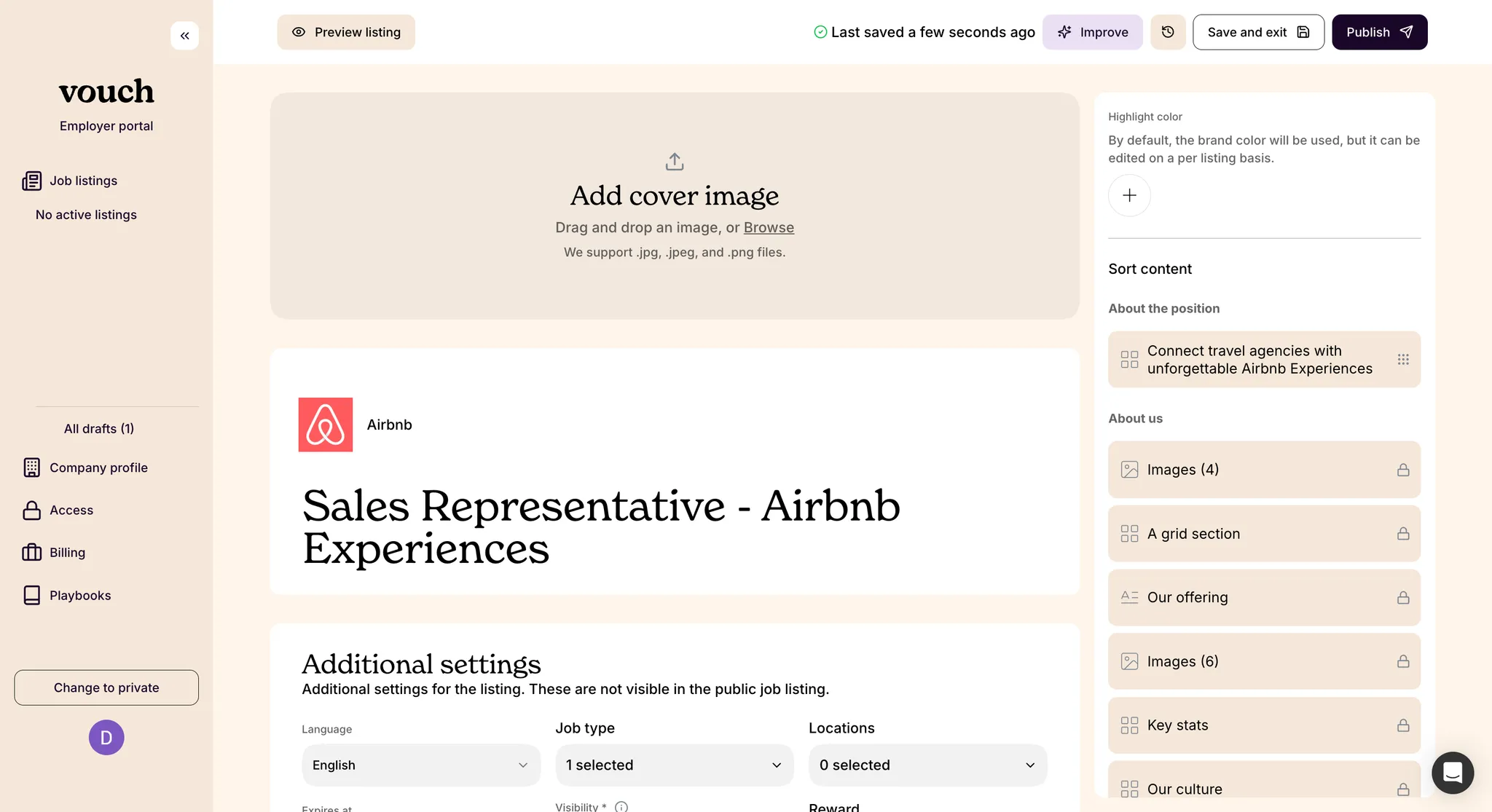
Once the initial draft is generated or imported, you will have the opportunity to edit the content and update the settings of the job listing. We recommend paying extra attention to the job summary! While we do our best to generate a summary that will accommodate applicants with varying degrees of familiarity to your company and industry, it's always worth the extra attention as this is what candidates see first.
Additional job listing details
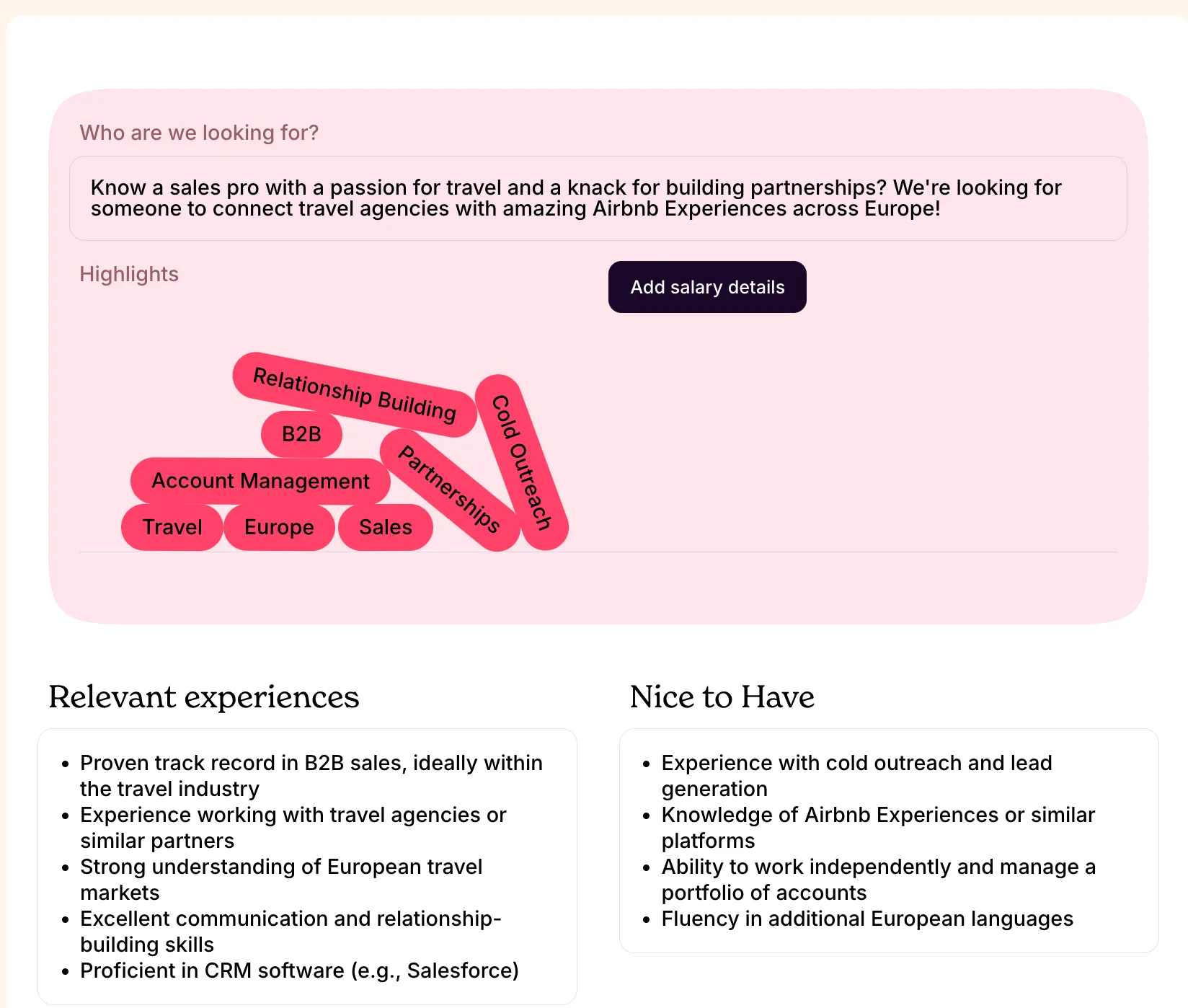
In addition to role description, we recommend providing as much qualifying information as you can about the role's salary range, relevant experiences, and nice-to-have qualities you are looking for in prospective candidates. This helps referrals!
If you haven't already, you will be prompted to pick a subscription plan before the listing is publishing. Without an active plan, your job listing will not be live or available to share. For more information on our subscription plans, please visit our pricing page.
Listing-specific company details override
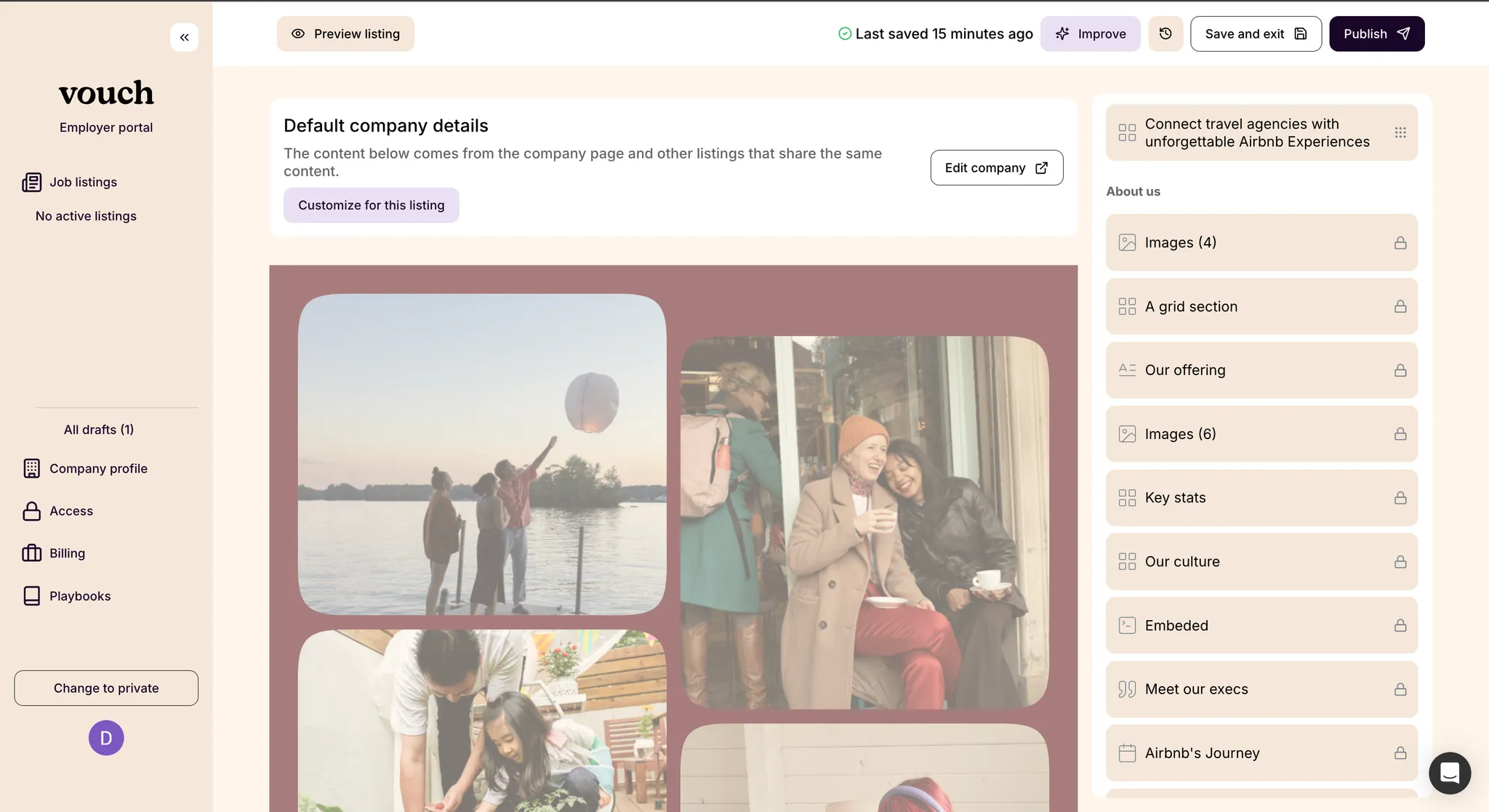
For certain job listings, you may want to further customize the company details presented to a candidate. You are able to achieve this on a per-listing basis without changing the details of your default company page.
Please note that any listings with company details overrides will not be automatically updated if you make later edits your default company details.
Customize the job listing share image
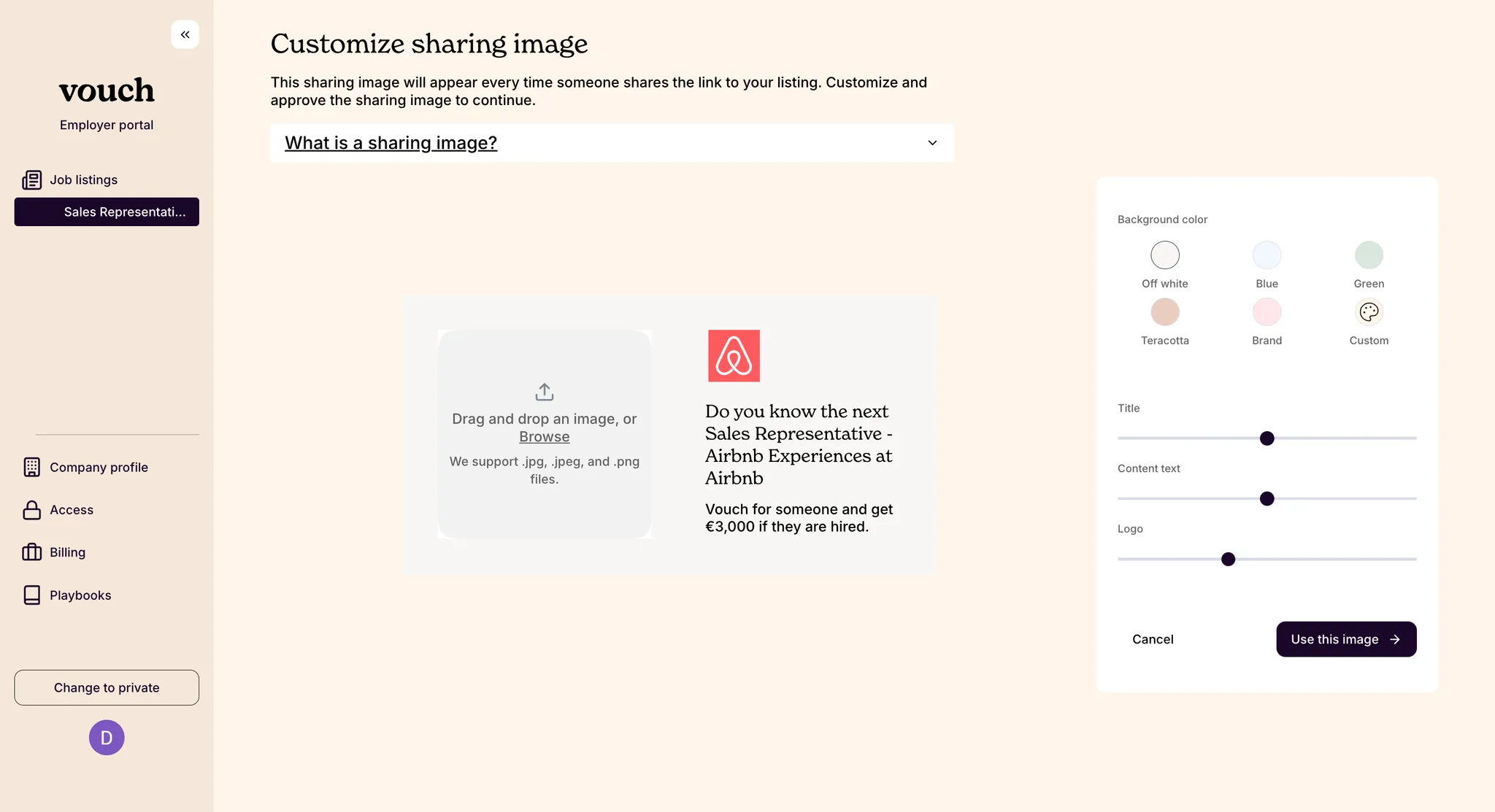
A share image is the image thumbnail that is sent as a preview when a link to your job listing is shared in other channels, for example Microsoft Teams or on LinkedIn. We recommend uploading a share image that represents both the role and your company, but if you want to save time you can always use your company's default share image.
Sharing your job listing with your network
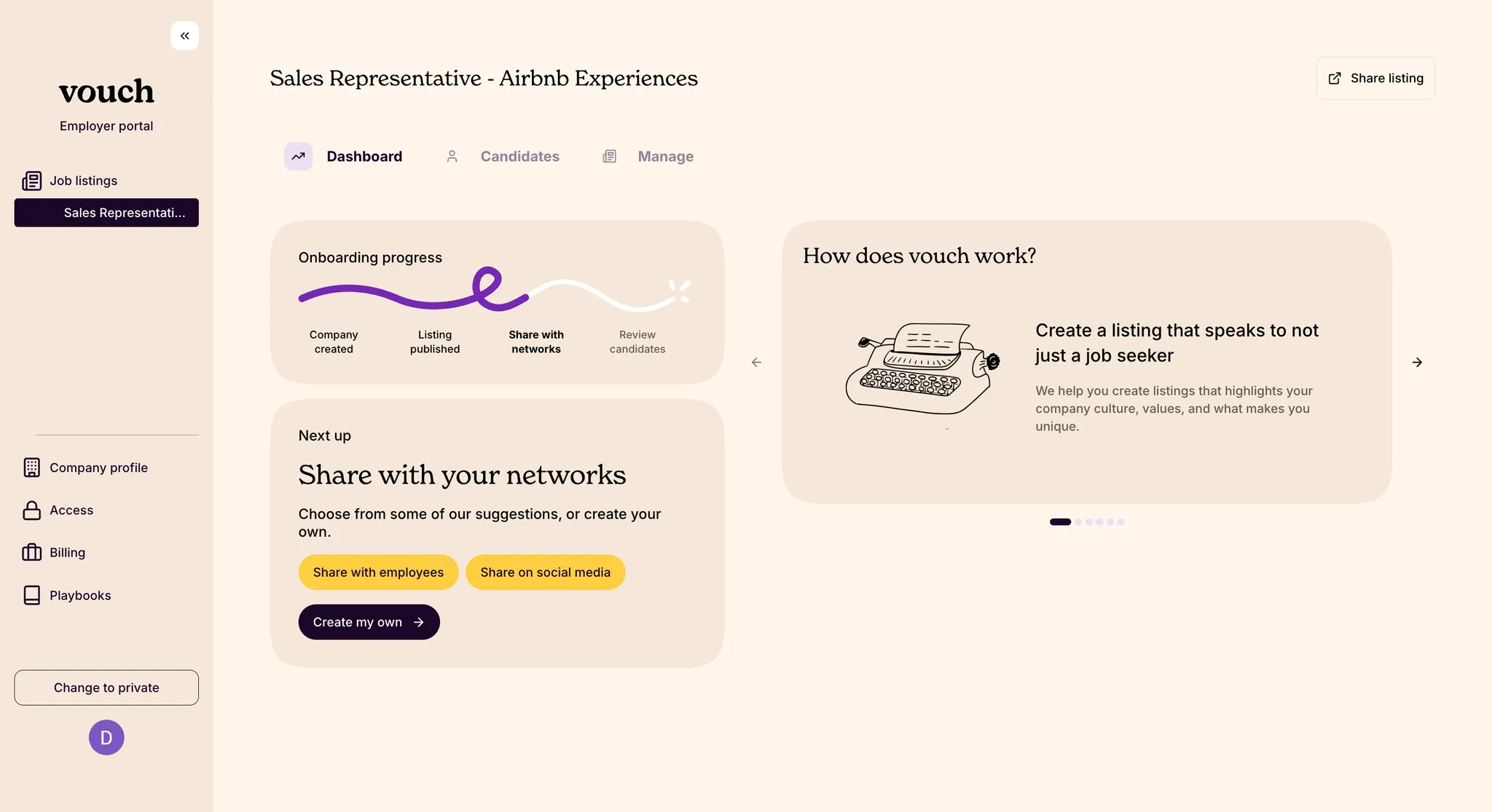
Congratulations! Your job listing is live and ready to be shared with employees across internal channels like Slack or Teams, and with your broader network via social media!