Editing your response to a Vouch or application
Last updated: February 3, 2025
How to edit your response to a referral or application
Sometimes you may want to go back and update your initial response to a Vouch. No worries, this is simple! Just go to your list of Vouches and select the one in question. You can now edit the candidate content of your Vouch as you did the first time around.
You can edit your reply to a job listing at any time, even after you have received an answer from the company. We suggest not waiting too long!
Editing an application
Whether it's from a referral or outright application, you can always log in to your profile to strengthen or rescind your application.
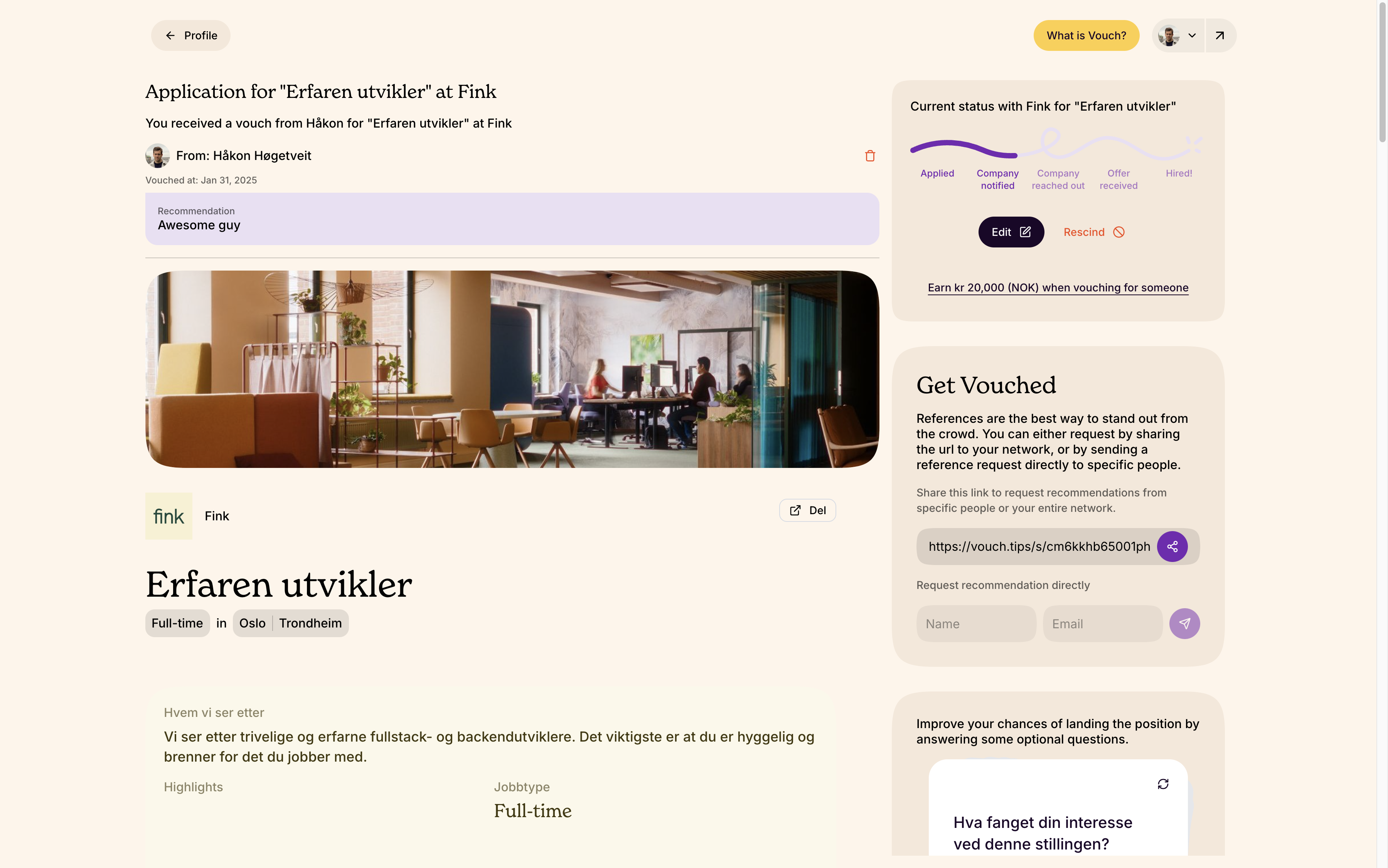
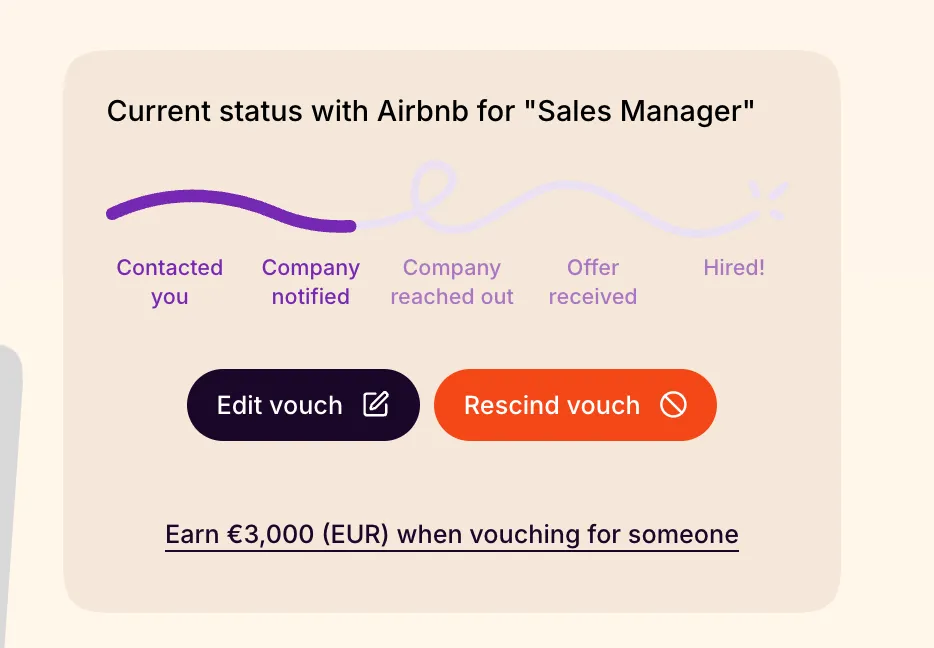
If you have previously applied or accepted a vouch but are now having second thoughts, you can cancel your acceptance at anytime by clicking into the Vouch and selecting “Rescind”.
Accepting a previously rejected Vouch
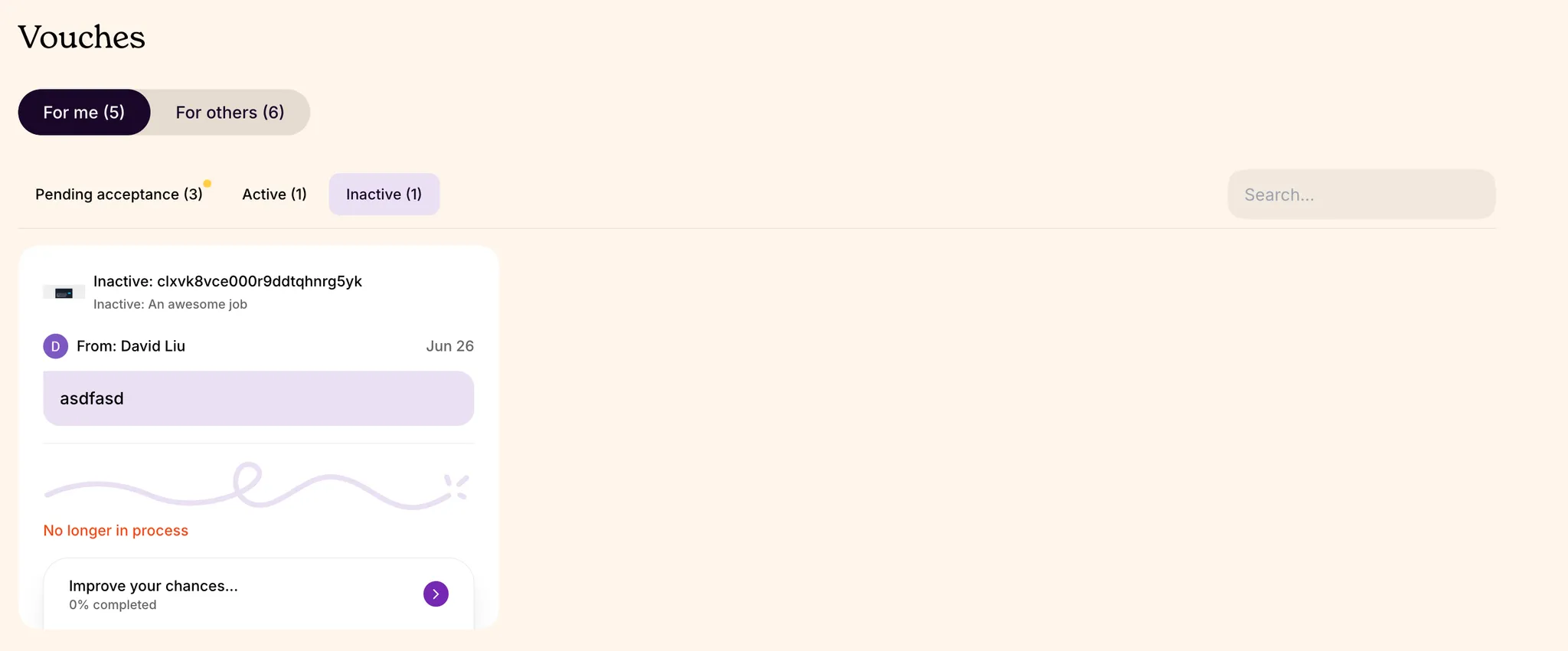
If you first rejected a Vouch but have changed your mind and want to express your interest, you can access the Vouch again from your email, SMS, friend's link, or your Vouch profile, and change it to accepted. This only works if the listing is still active.
Editing