Viewing all your applications
Last updated: October 3, 2025
How to view and understand your applications
You can view all the applications you have made or any referral you have received from your network on your profile page under "For me" in the Vouches section at any time.
Vouch matches your email and/or phone number to your user account, so if someone has shared a Vouch with you directly, it won’t always show up here.
The different statuses of a Vouch
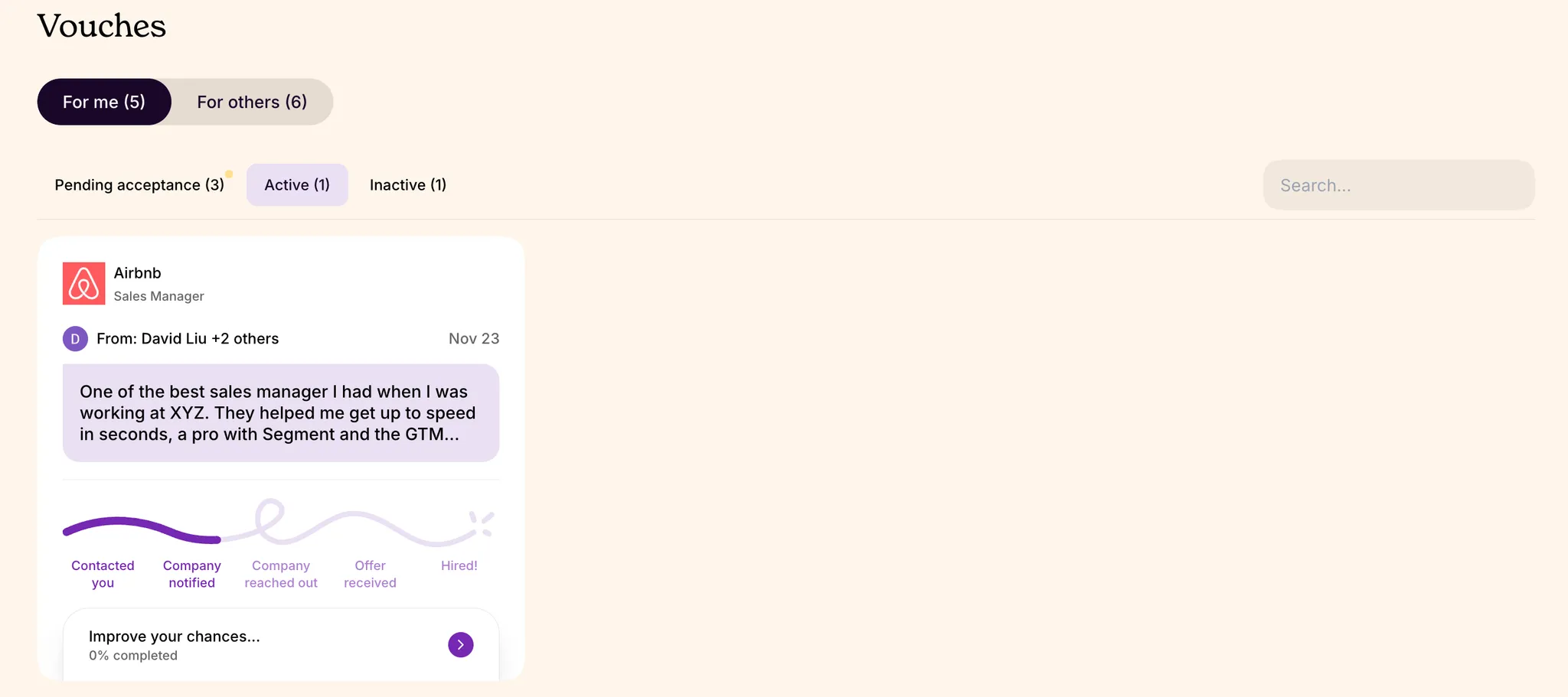
Vouch has three different statuses for applications or referrals in the candidate funnel: pending, active, and inactive. Each one means different things for your hiring journey.
Pending acceptance
These are Vouches you received that you have yet to accept. They expire in 60 days, so be sure to respond to them as soon as possible. They are not grouped by listing on this page, but when you click into an individual Vouch, you can accept them in bulk for each job listing.
Active
These are ongoing job listings you have applied to or accepted a referral for. You may or may not have more than 1 referral per listing, but the primary one will always be shown here.
Inactive
These are referrals or applications you have declined in the past, and that you can choose to reaccept if the company is still hiring and the job listing still active on our platform.
The details of an active application
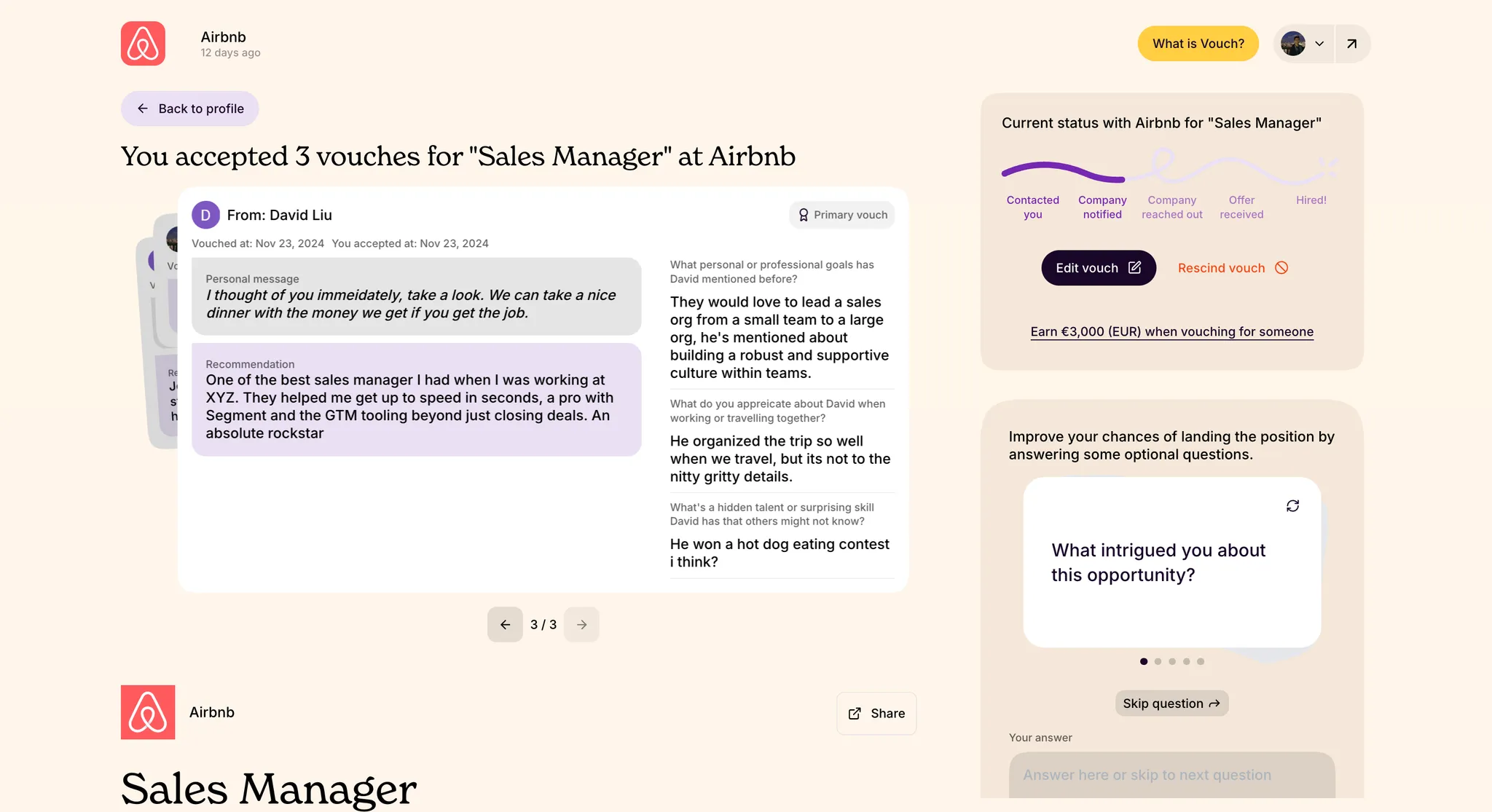
When you click into an “active” application or referral, you can see all the details the company will see about you that have been written by your referrer, if relevant. You can also additionally information about yourself in the “Improve your chances” section.
For more information about standing out as a candidate, check out our tips on 📄 Standing out as a candidate.