Account settings and support
Last updated: November 23, 2024
How to view and update account settings
When logged in to your account, you can access account settings by toggling the account profile menu in the top-right corner of your screen.
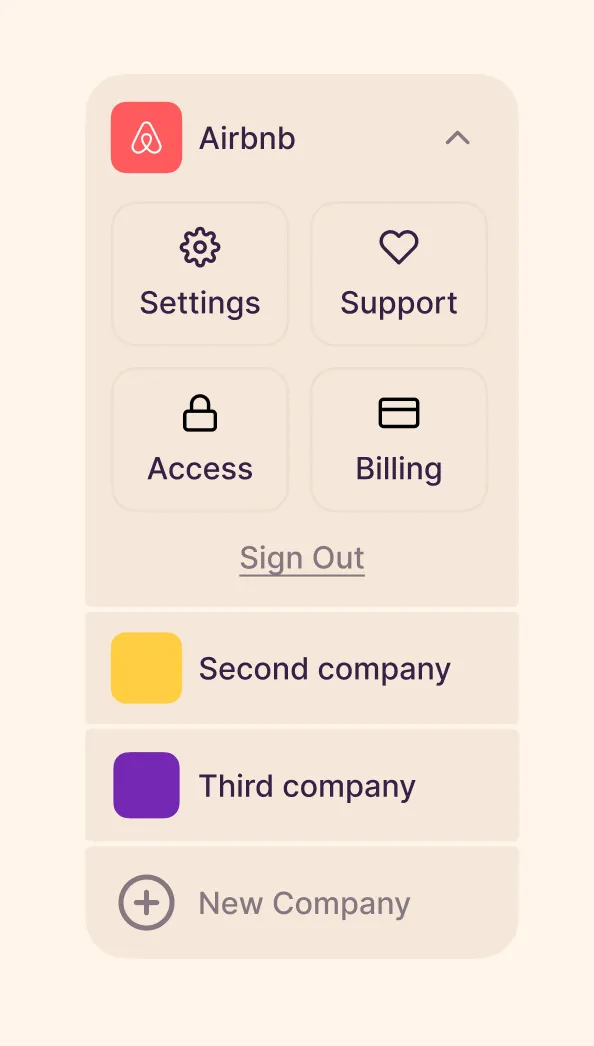
Here you can access your account settings, user access, customer support and billing, as well as any company portal(s) your user account is associated with.
Headhunters and talent agencies rejoice, it is now possible to manage multiple company relationships under single user account!
Account settings and user access
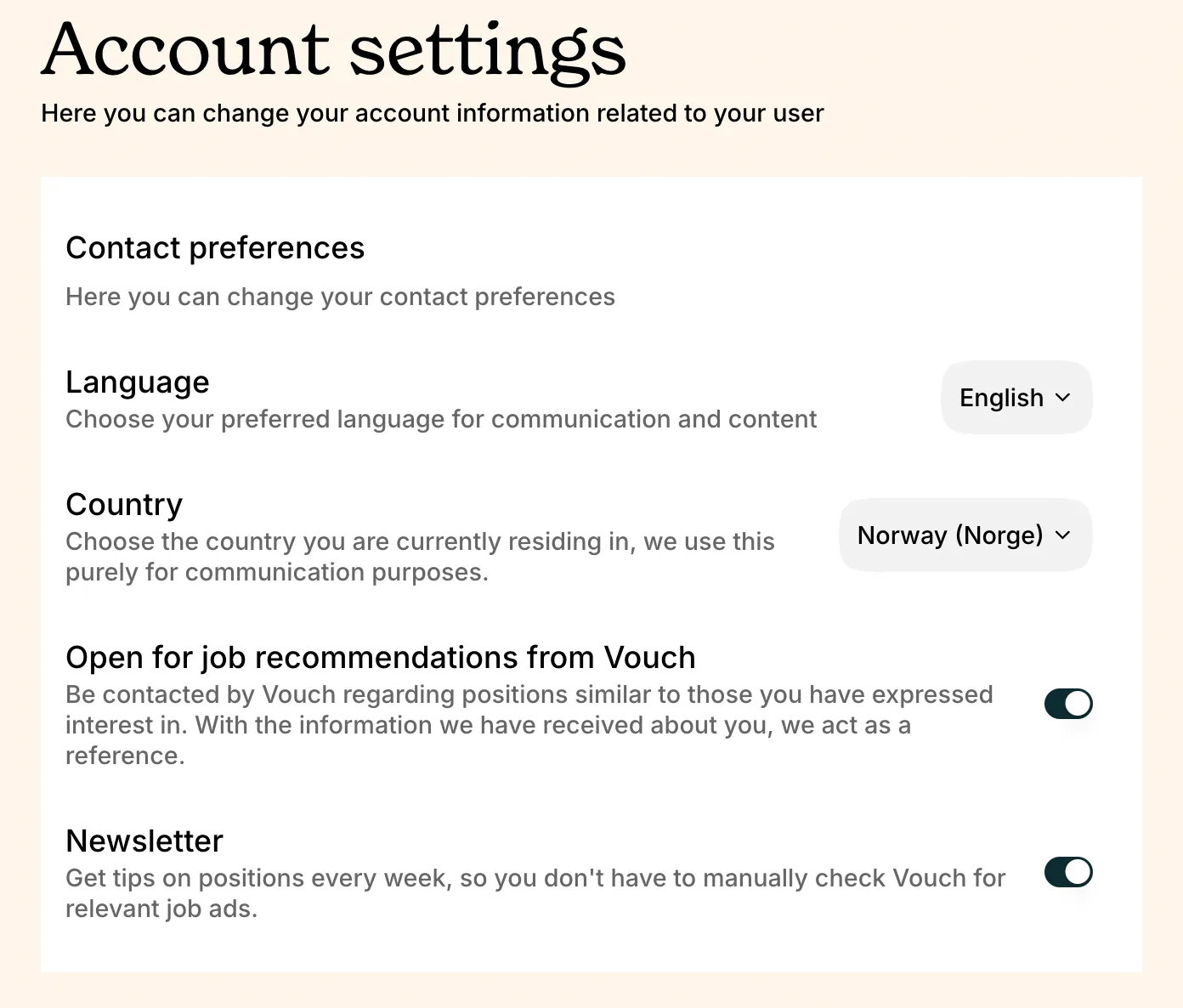
Under account settings, you can change your language and country preference, indicate whether you are yourself open to job recommendations from Vouch, and toggle whether you would like to receive our company newsletter.
For more information about user access, visit our guide on 📄 Role types and access management.
Customer support and billing
To connect with the Vouch team for product help or with any other questions, you can reach out via our in-product chat widget by selecting Support in the settings menu. You can also reach us at any time at support@vouch.careers.
For more information about Vouch billing, visit our 📄 Billing FAQ.