Updating job listings and version control
Last updated: November 22, 2024
How to update a job listing
If your listing is still a draft, you can edit any of the content and settings of the listing. If you have already published the job listing, certain fields cannot be changed.
Editing a draft listing
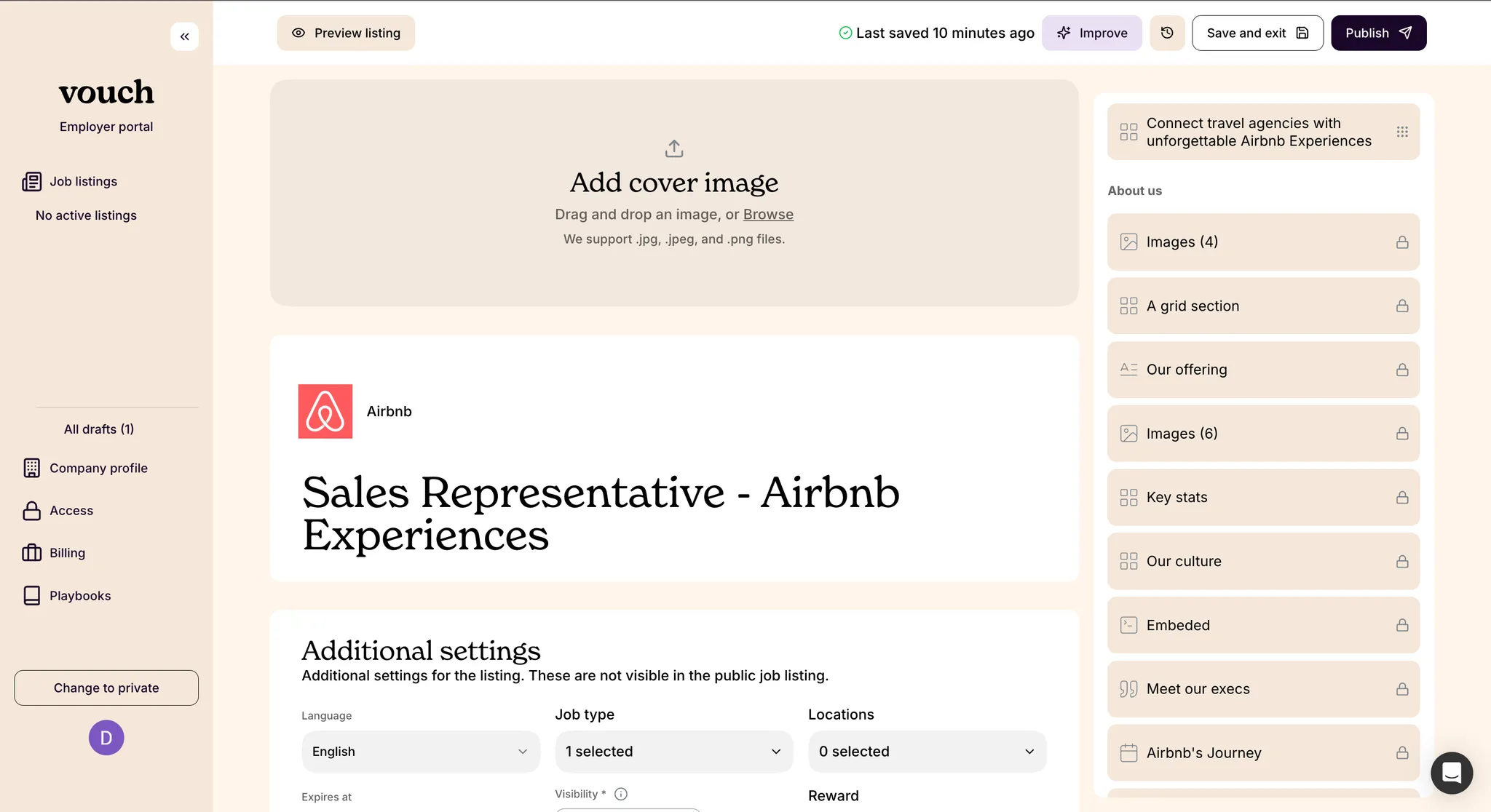
For draft job listings, you can make changes to any and all role or company details. When finished, you can either save the changes as a draft or immediately publish them to your live page.
Editing a published listing
For already published job listings, you can edit most role or company details as you would during initial listing creation or when editing a draft listing. When finished, you can either save the changes as a draft or immediately publish them to your live page.
Important! Please note, you cannot change the Reward associated with a bounty when editing a job listing that is already published.
Listing-specific company details override
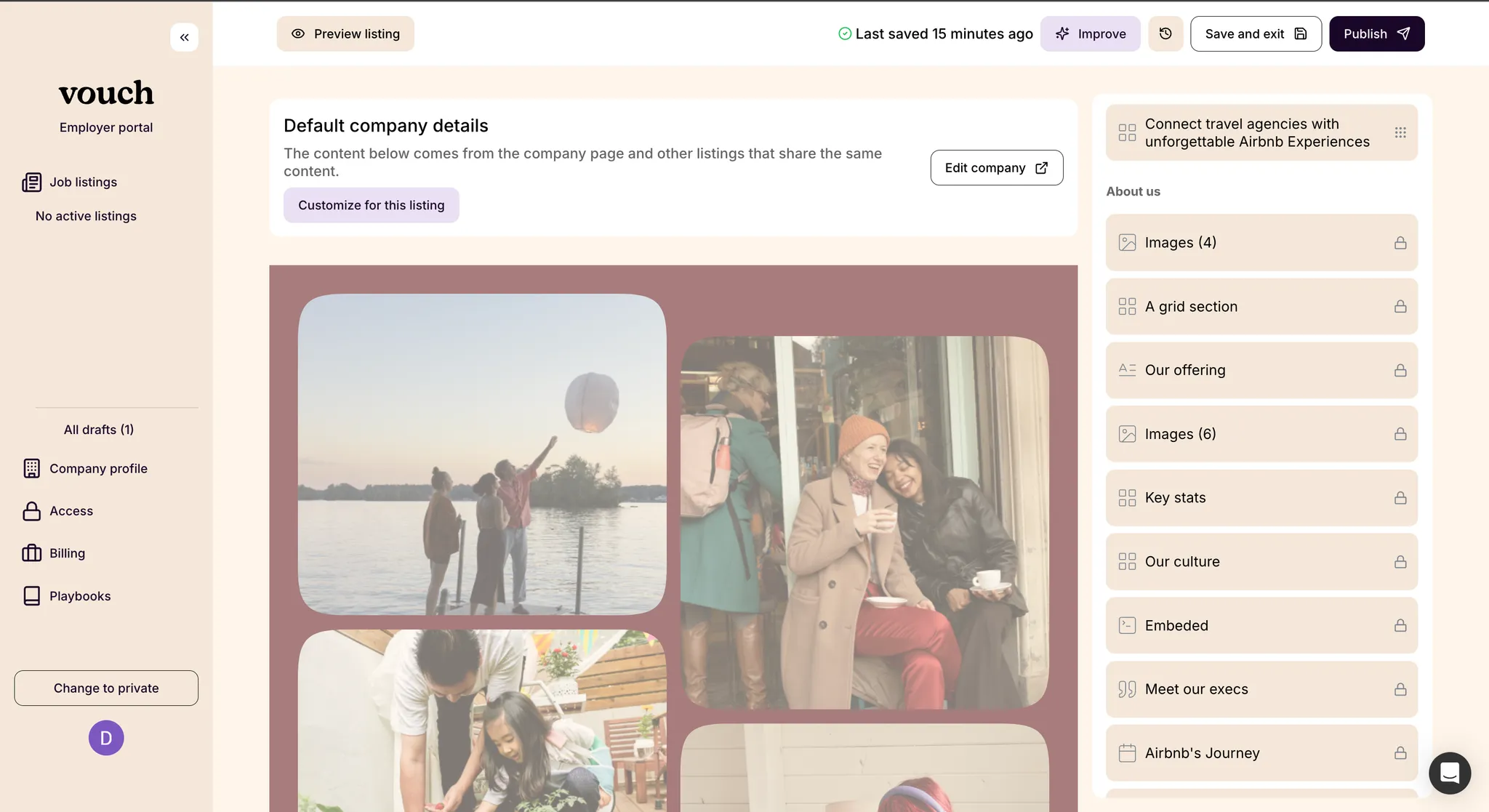
For certain job listings, you may want to further customize the company details presented to a candidate. You are able to achieve this on a per-listing basis without changing the details of your default company page.
Please note that any listings with company details overrides will not be automatically updated if you make later edits your default company details.
Job listing history and version control
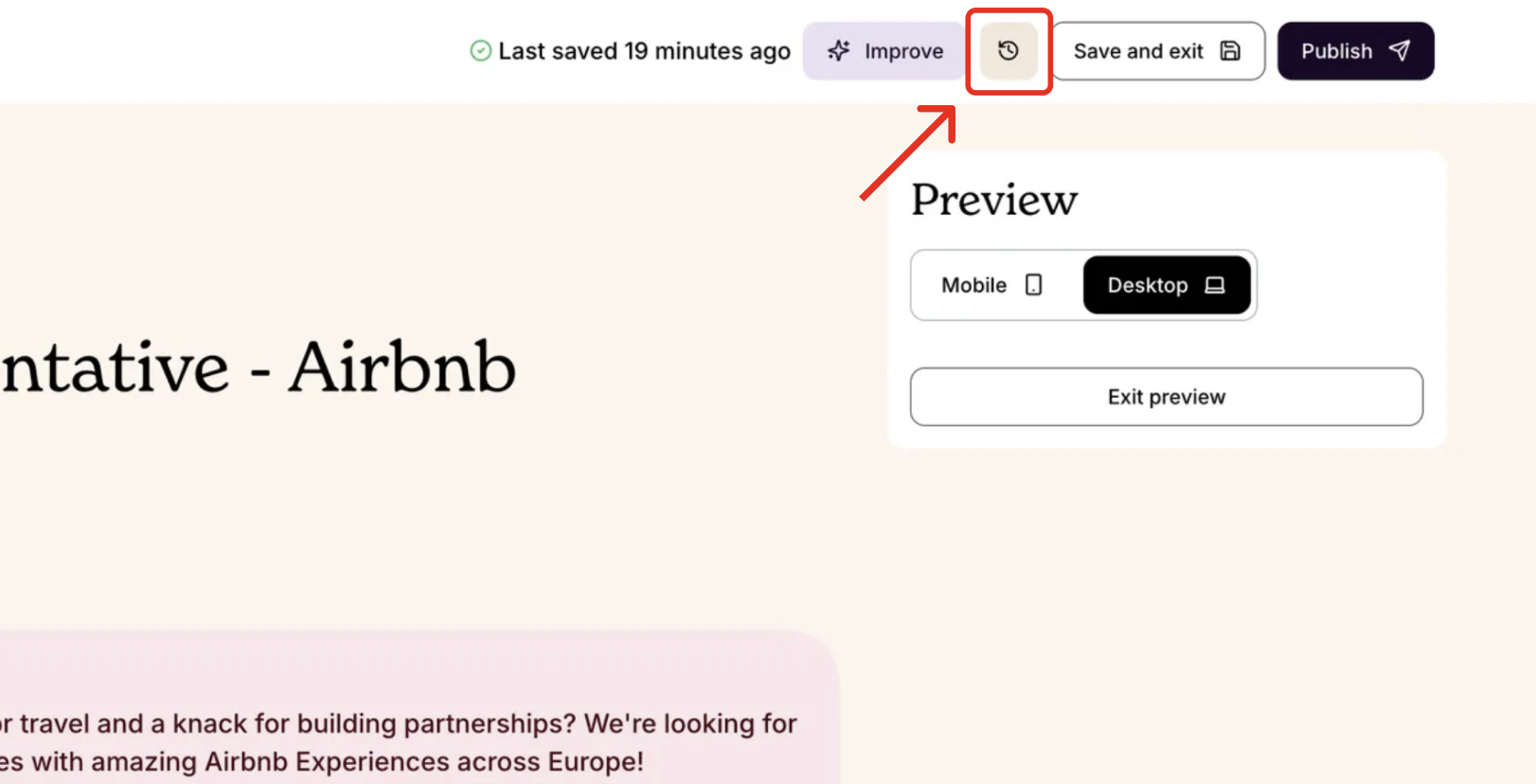
At any point, you can revert to a previous version of your job listing by selecting the time reversion / history icon in the job listing editor and select the version to return to.