Standing out as a candidate
Last updated: February 3, 2025
How to stand out as a candidate on Vouch
Standing out from the crowd can be difficult, but we have added a few features for candidates that can help you stand out as a unique talent to prospective recruiters.
Improving your chances
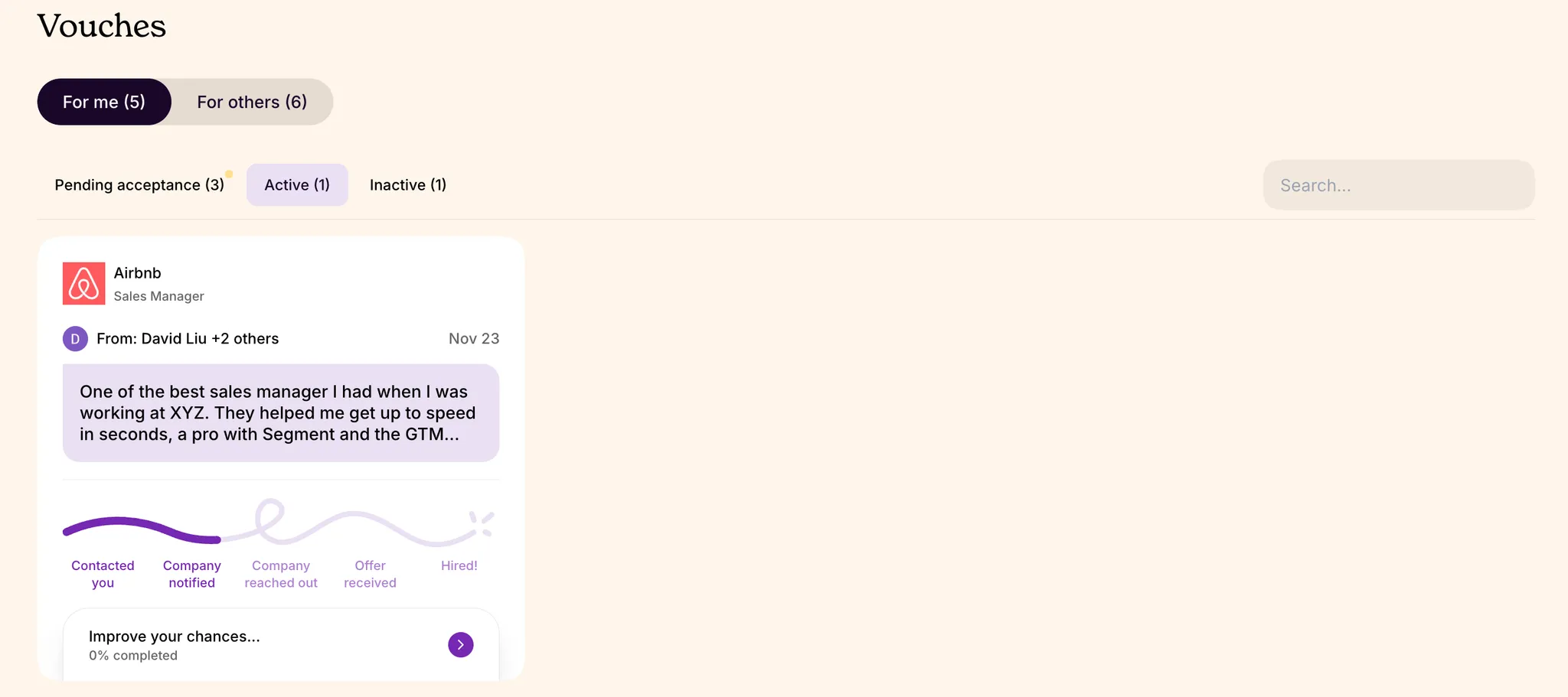
For each listing you apply to or accept a referral to, you have the option to add more information about your interest for the position, your personal experiences, and so on.
Log in to your profile (it will be the email you applied with) and go to the Vouches section of your profile and select "Improve your chances" to begin.
Customizing your responses
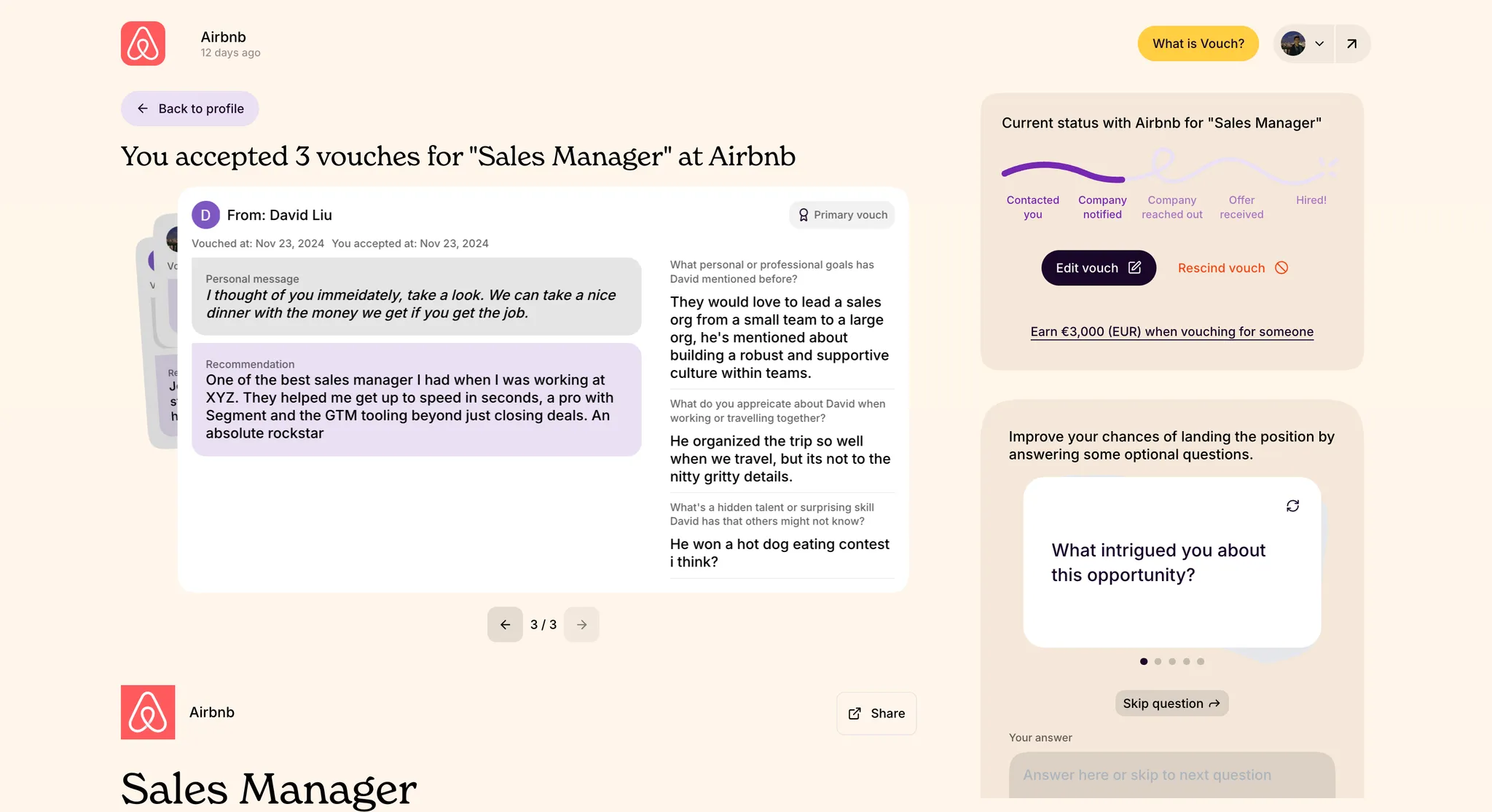
While you can complete these steps when you first accept a Vouch, you have the option to return at anytime to your profile to update your active job listings. You can see all the Vouches you have accepted, the details of the referral and the role, and on the right hand side you can provide additional information about why you accepted the Vouch.
Your additional responses are specific to each job listing, allowing you to provide a personalized response to hiring managers about the role.