Creating your company page
Last updated: November 21, 2024
How to create your company page
Setting up your company's profile page takes less than <1 minute thanks to some under-the-hood wizardry.
Automatic profile creation
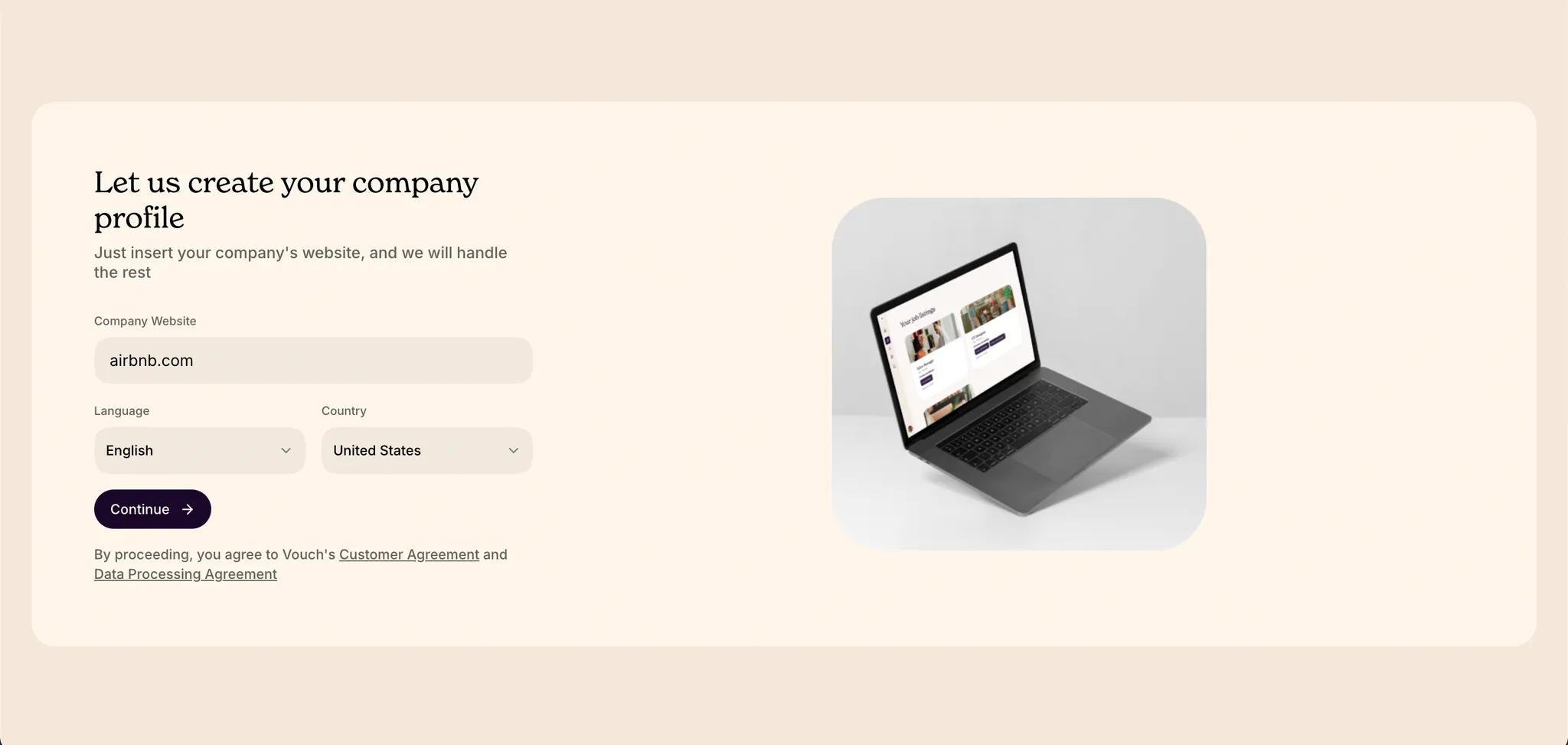
To create your company profile, log in and go to your account page or visit https://vouch.careers/onboarding. You can also access this page via the “Get started in seconds” link on the Vouch home page.
Using your company's domain URL, Vouch will automatically research and generate your profile information. This content can be further customized on the next page. Optionally, you may also start from scratch and build the profile from the ground up.
Previewing your profile
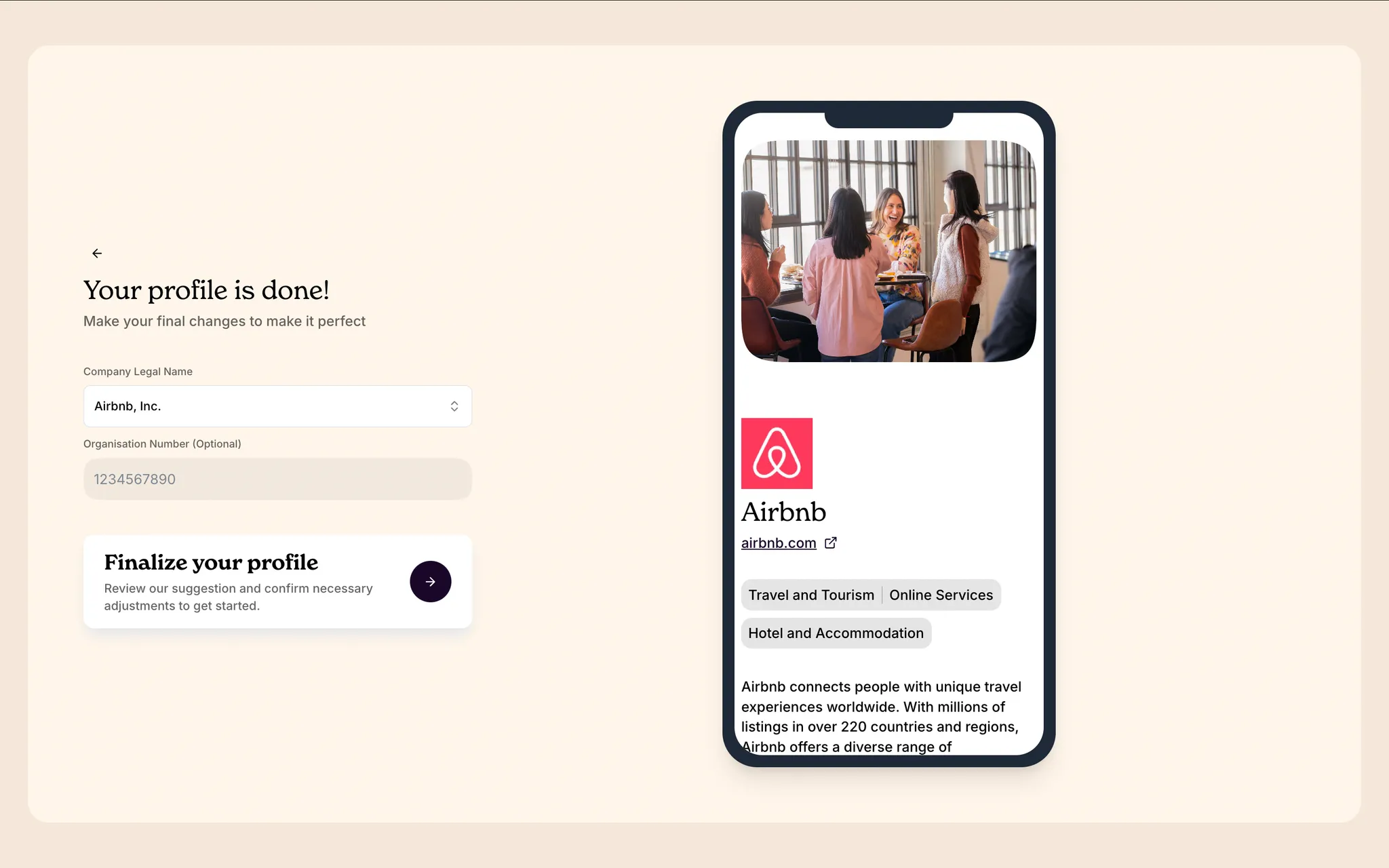
Before finalizing your profile, you will have the chance to update any of the content we have pulled from the web to pre-populate your profile page. This is an opportunity for you to show your best side to candidates referred to your job listing on Vouch.
If you haven't already, you'll be asked to create an account
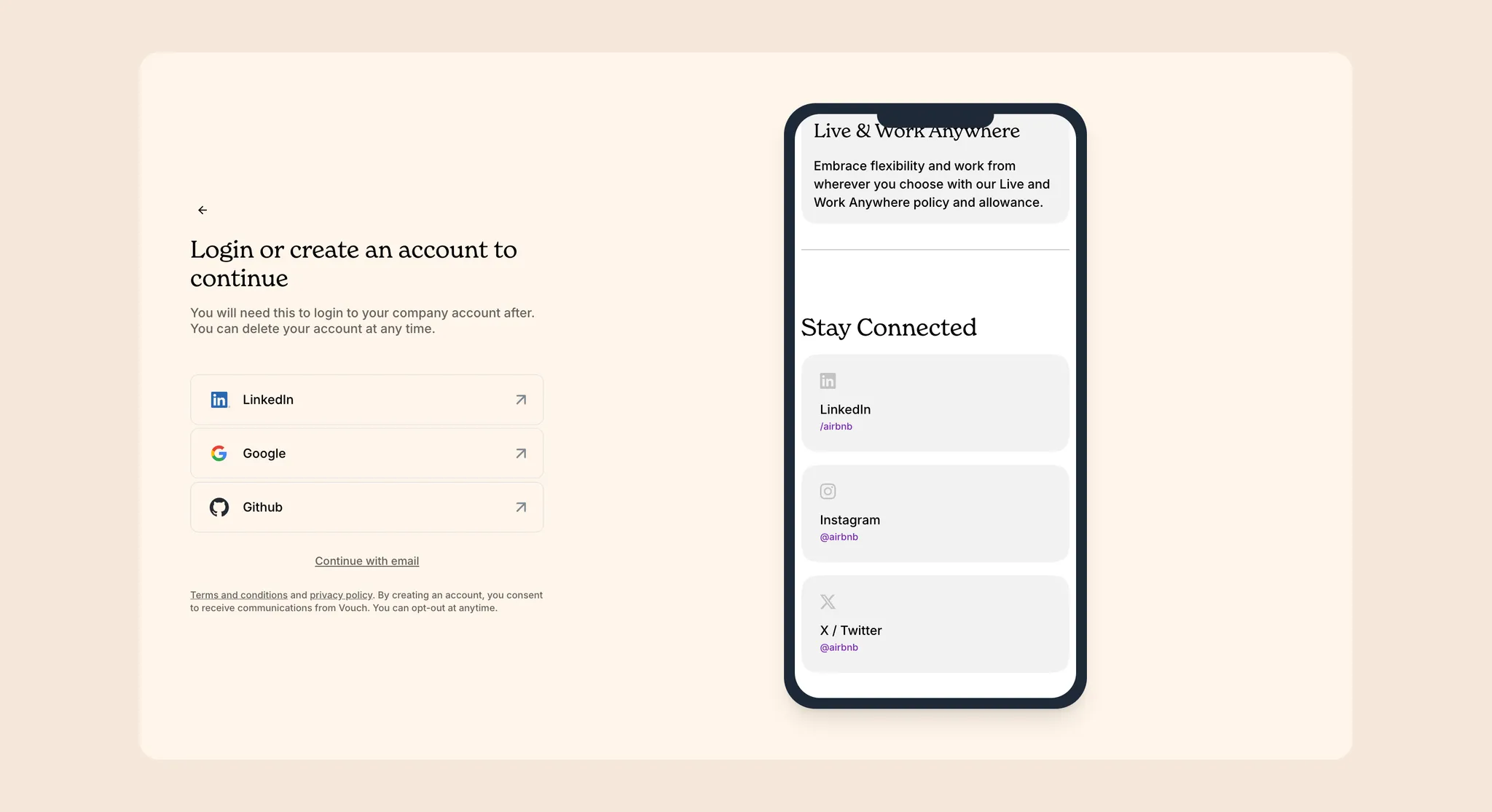
If you are not already logged in, you will be prompted to create an account now. You will not be asked for payment information until you publish your first job listing, so feel free to play around and get to know Vouch!