Updating your company page
Last updated: November 29, 2024
How to update your company page
Whether you want to update the automatically generated profile content or are starting from scratch, everything on your company page can be customized to accurately reflect your brand and culture for prospective candidates.
Editing company details
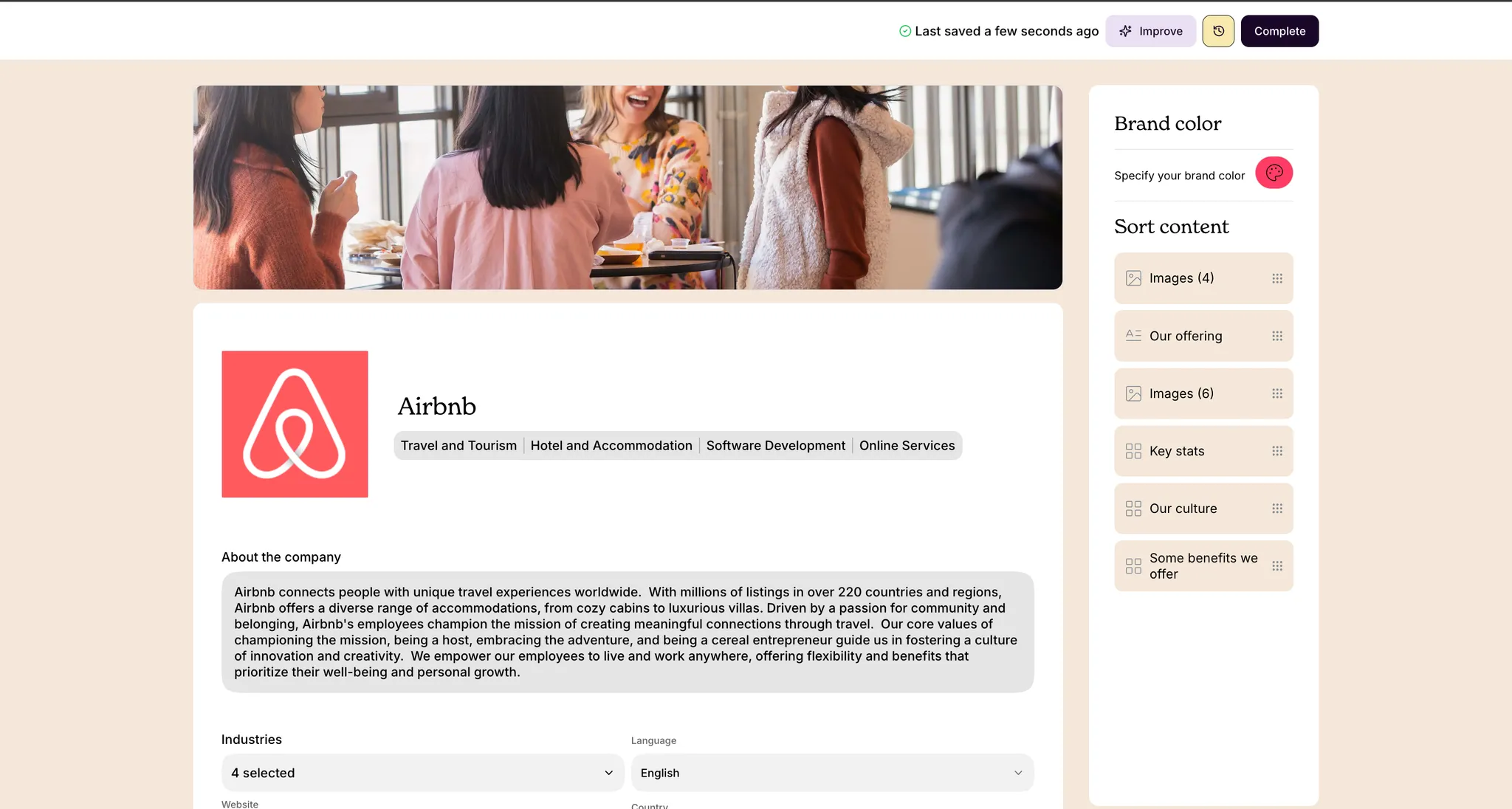
Your company profile details like logo, description, industries and more are all fully customizable. If you would like to add more information than our default page form provides, you can create and customize additional sections to your heart's content.
Making changes to your company page will automatically reflect in your draft and published job listings, except for jobs where you have made listing-specific overrides to the company details.
Editing images and brand details
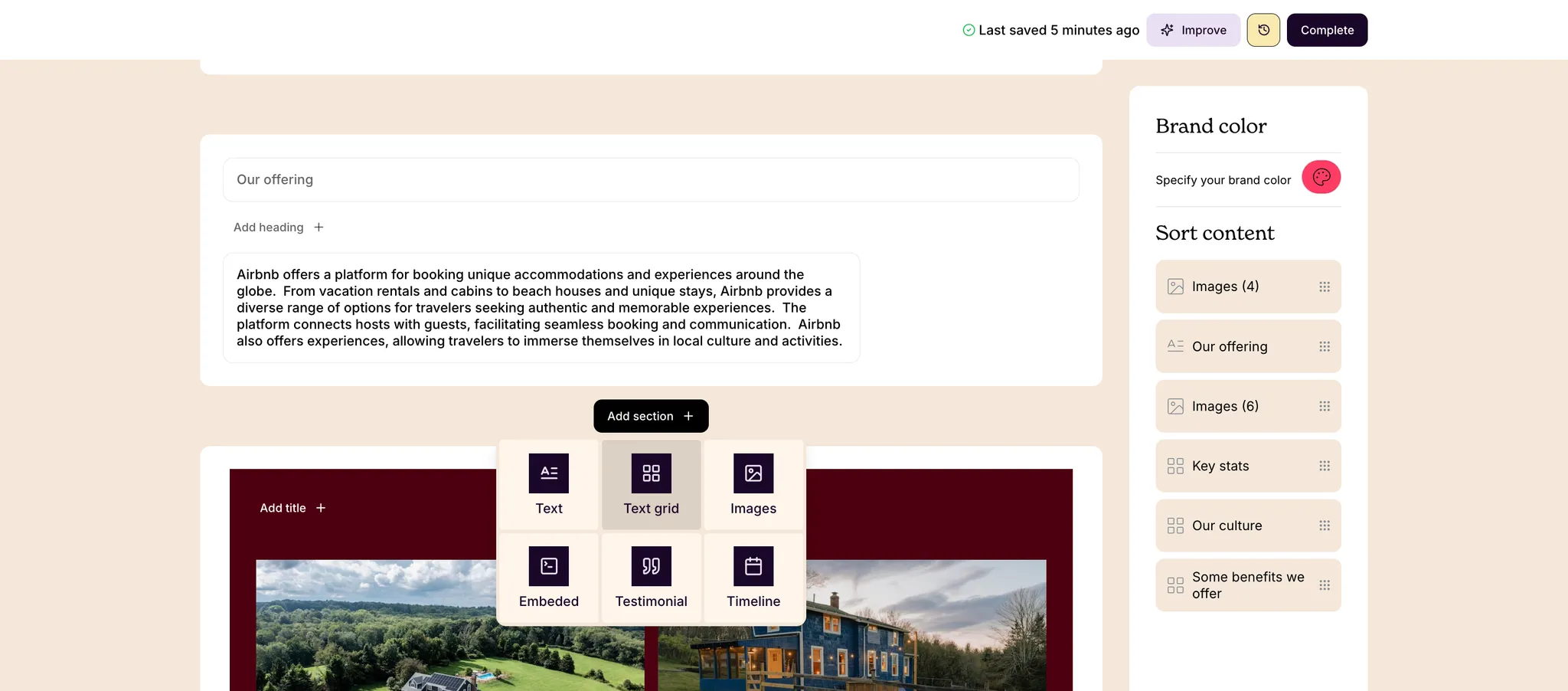
You can add or edit your company's profile images at any time. You can also select your company's primary brand color to customize the design accents of your page.
Adding custom page sections
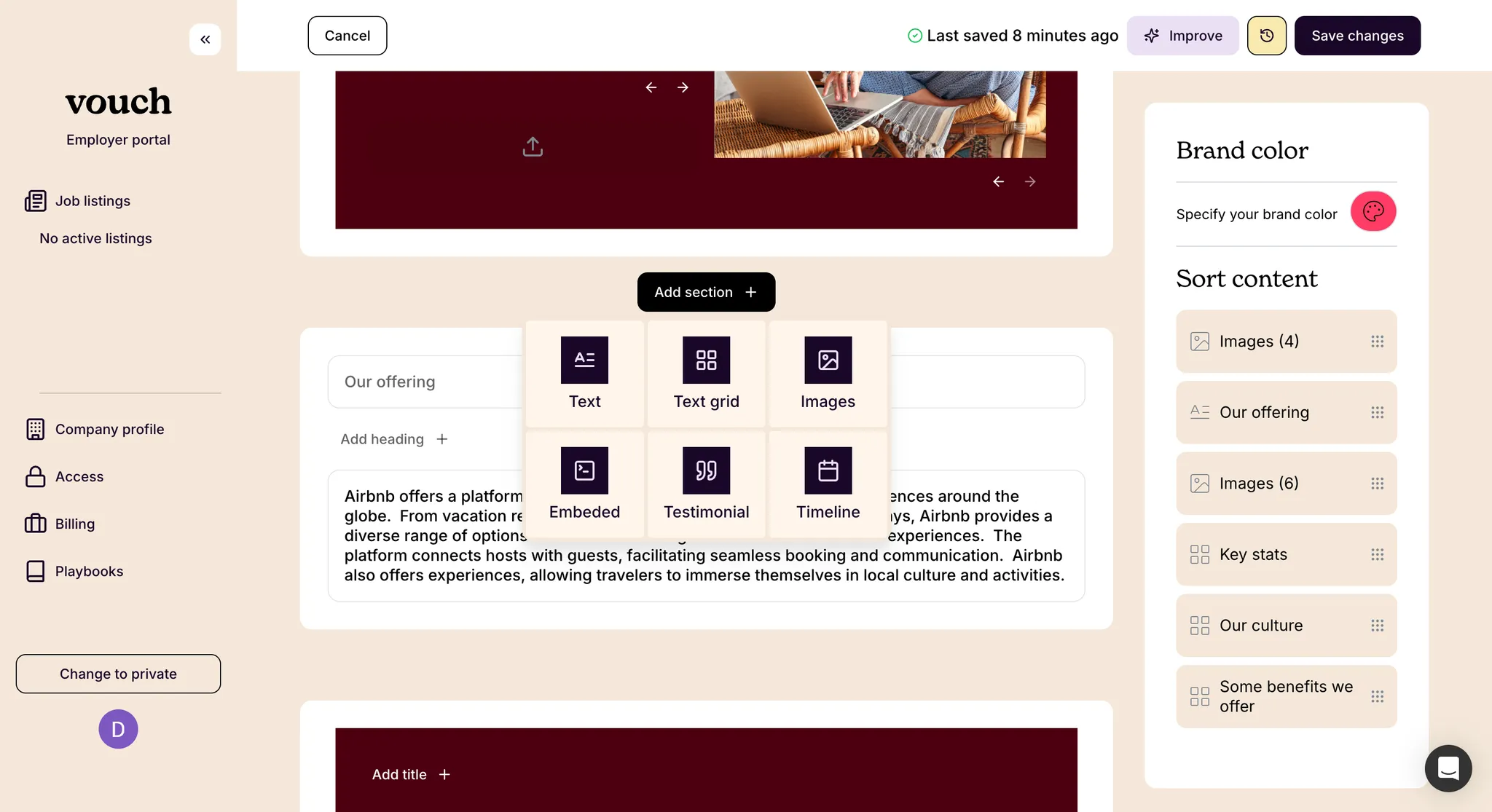
You can add new profile sections to your company page at any time, and you can further reorder your page sections at any time using the sort content feature. To learn more about our available section types, see📄 Section types for company and listing pages.
Automatic profile suggestions
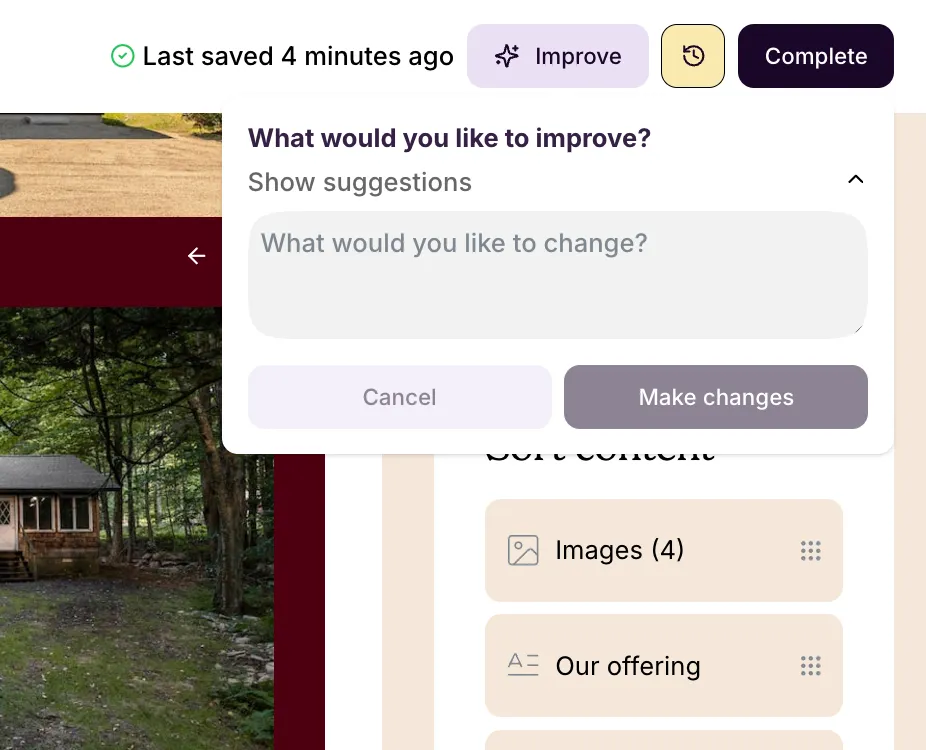
Using our built-in AI tool, you can automatically generate and review suggested edits to the text content of your company profile page. When ready, confirm the changes! You can come back and make additional manual updates at any time.
Company page detail overrides
For individual job listings, it is possible to further customize how your company is represented to candidates with company page overrides. To learn more, see our article on 📄 Updating your job listing and version control.